Cress documentation
Cress is a workflow-first end-to-end testing platform for Windows teams that need authoring tools, CLI automation, step manifests, living documentation, and evidence-rich execution in one place.
Tip
If you are new to Cress, start with Getting started and use the HTTP quickstart for the fastest first run.
What you can do with Cress
- initialize a project with opinionated folders, profiles, and starter assets
- author flows through Studio, Studio Web, or source-first YAML editing
- record browser and desktop steps, then normalize them into durable locators
- run flows locally or in CI with profiles, reports, screenshots, and diagnostics
- export framework-native xUnit, NUnit, and MSTest tests that still execute through the Cress engine
- run Cress from a reusable GitHub Action that packs and installs the CLI on the runner
- publish living docs and generated API reference from the same repository
Product surfaces
| Surface | Best for | Start here |
|---|---|---|
| CLI | bootstrapping projects, validation, running flows, reports, diagnostics | CLI reference |
| Studio / Studio Web | recording, editing, reviewing evidence, watching metrics | Studio overview |
| Specs and manifests | source-controlled capabilities, flows, fixtures, and steps | Project schema guide |
| Generated API reference | browsing public .NET types and namespaces | API reference |
Guided paths
New users
- Install prerequisites and choose a quickstart
- Use the fastest first-run path
- Walk through Studio
- Run and debug flows
Web automation teams
Desktop automation teams
- Enable the Flawright driver
- Use the desktop recording target picker
- Design desktop apps for automation
Contributors
- Understand the repository
- Set up local development
- Extend Cress with steps, plugins, and import/export paths
- Build and publish the docs site
Common testing targets
| Target | Primary approach | Guide |
|---|---|---|
| CLI tools | plugin-backed steps and process assertions | Testing CLI apps |
| Services and APIs | built-in HTTP driver plus JSON assertions | Testing services |
| Web apps | Playwright-backed browser flows with Studio recording | Testing web apps |
| Desktop apps | Flawright-backed Windows flows with Studio authoring | Testing desktop apps |
Native test framework integration
Cress can now generate framework-native tests for teams that want Cress-authored flows to live inside existing .NET test projects and CI suites:
- xUnit, NUnit, and MSTest integration guide
- Framework demos and development-cycle integration
- GitHub Actions integration
- Environment orchestration
Studio at a glance
The existing product screenshots are included throughout the guides so teams can follow the same screens they see in the app.
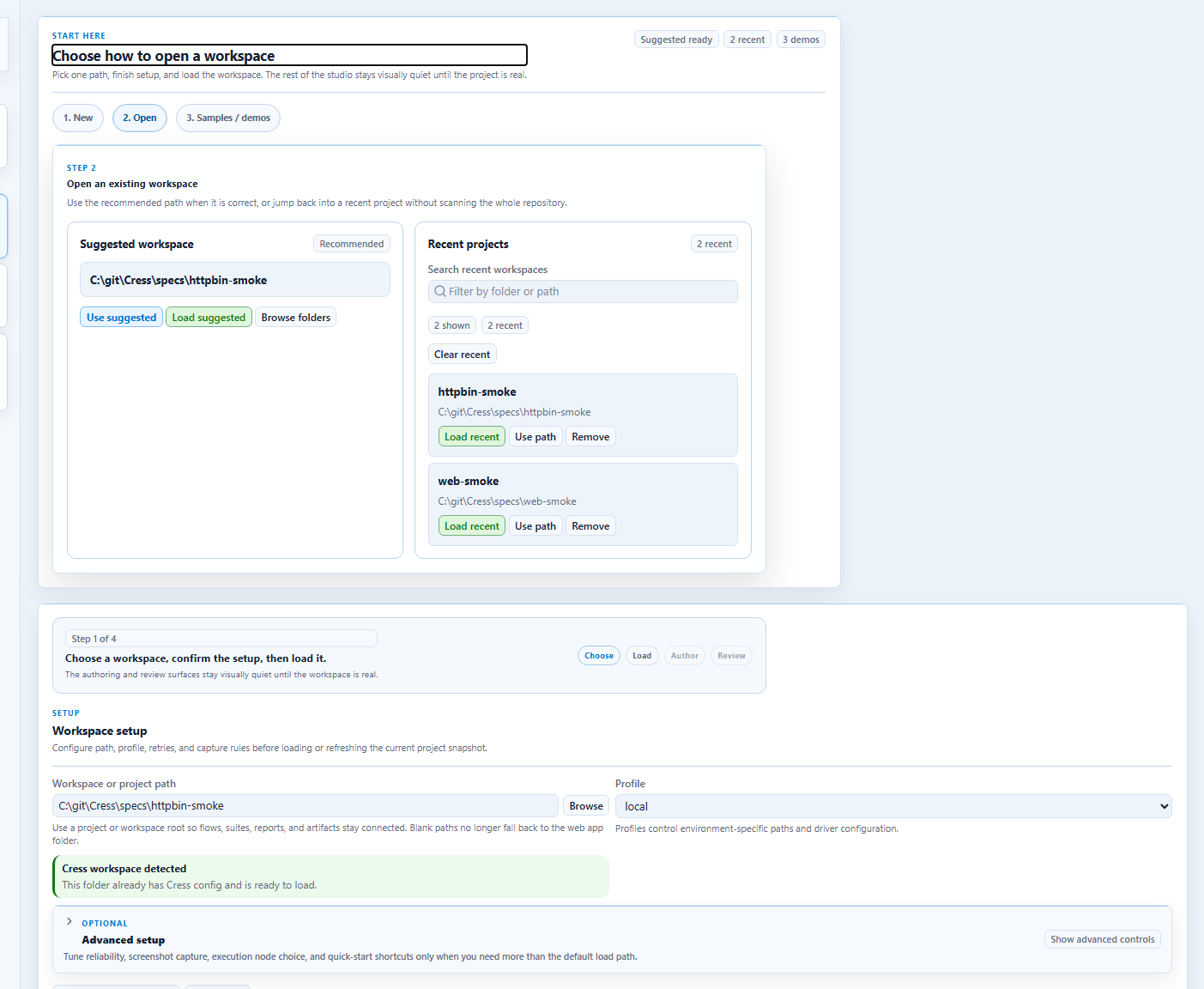
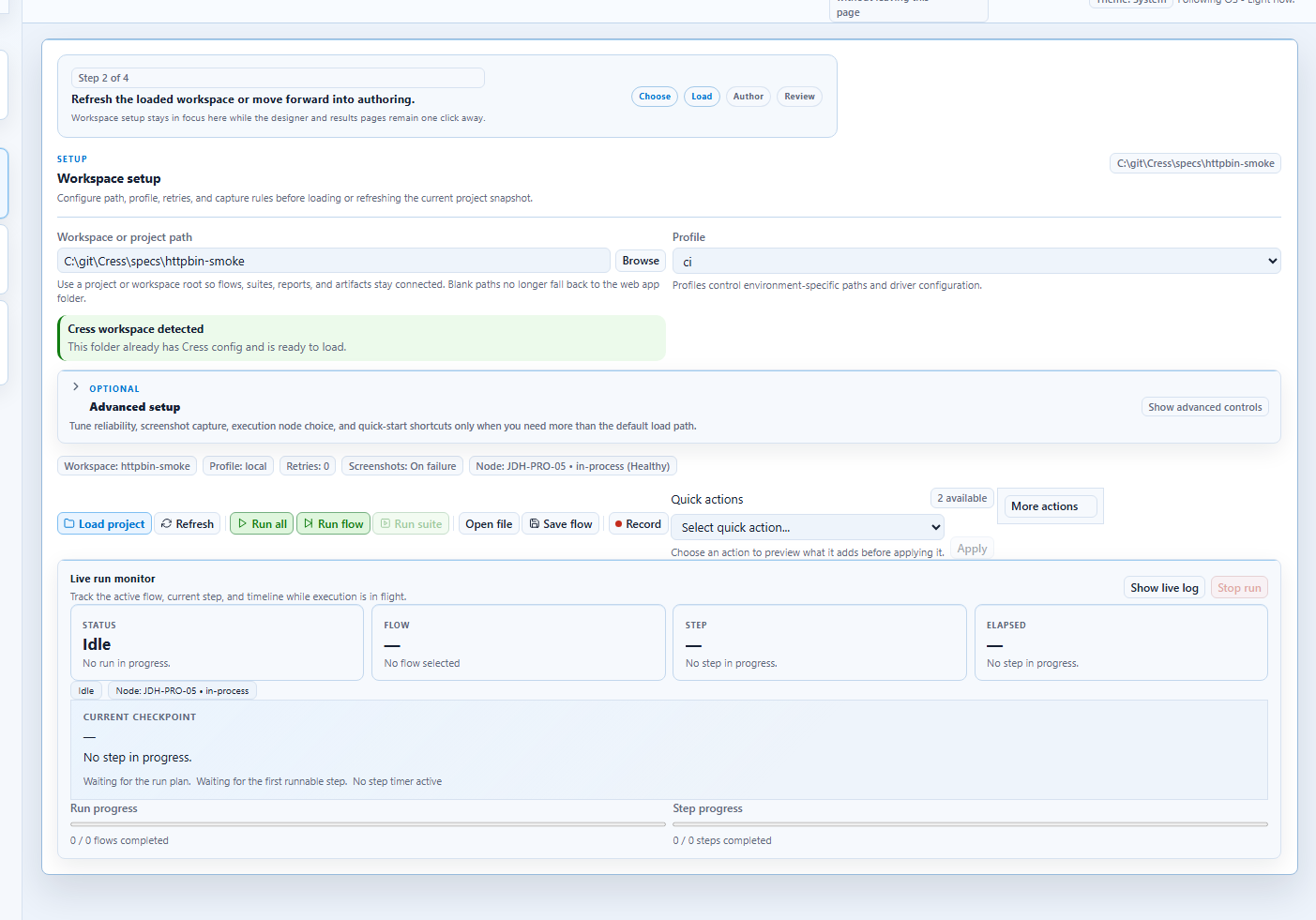
Need a screenshot-backed inventory of what ships today? Start with the feature map.