Running and debugging
The CLI gives you a predictable loop for validation, plan inspection, execution, diagnostics, and report review.
Core command sequence
dotnet run --project src\Cress.Cli\Cress.Cli.csproj -- validate
dotnet run --project src\Cress.Cli\Cress.Cli.csproj -- doctor
dotnet run --project src\Cress.Cli\Cress.Cli.csproj -- discover
dotnet run --project src\Cress.Cli\Cress.Cli.csproj -- run --report html,json,junit
Use plan mode before full execution
If you want to inspect what Cress will do without executing the drivers:
dotnet run --project src\Cress.Cli\Cress.Cli.csproj -- run --dry-run --json
This is the fastest way to confirm flow selection, profile choice, and plan shape before you pay for a full browser or desktop run.
Useful execution patterns
Run a specific flow
dotnet run --project src\Cress.Cli\Cress.Cli.csproj -- run flows\example\example-flow.flow.yaml
Run by tag
dotnet run --project src\Cress.Cli\Cress.Cli.csproj -- run --tag smoke --profile ci
Continue after a failure
dotnet run --project src\Cress.Cli\Cress.Cli.csproj -- run --continue-on-failure --report html,json
Read the evidence in the right order
- CLI summary for run ID and artifact path
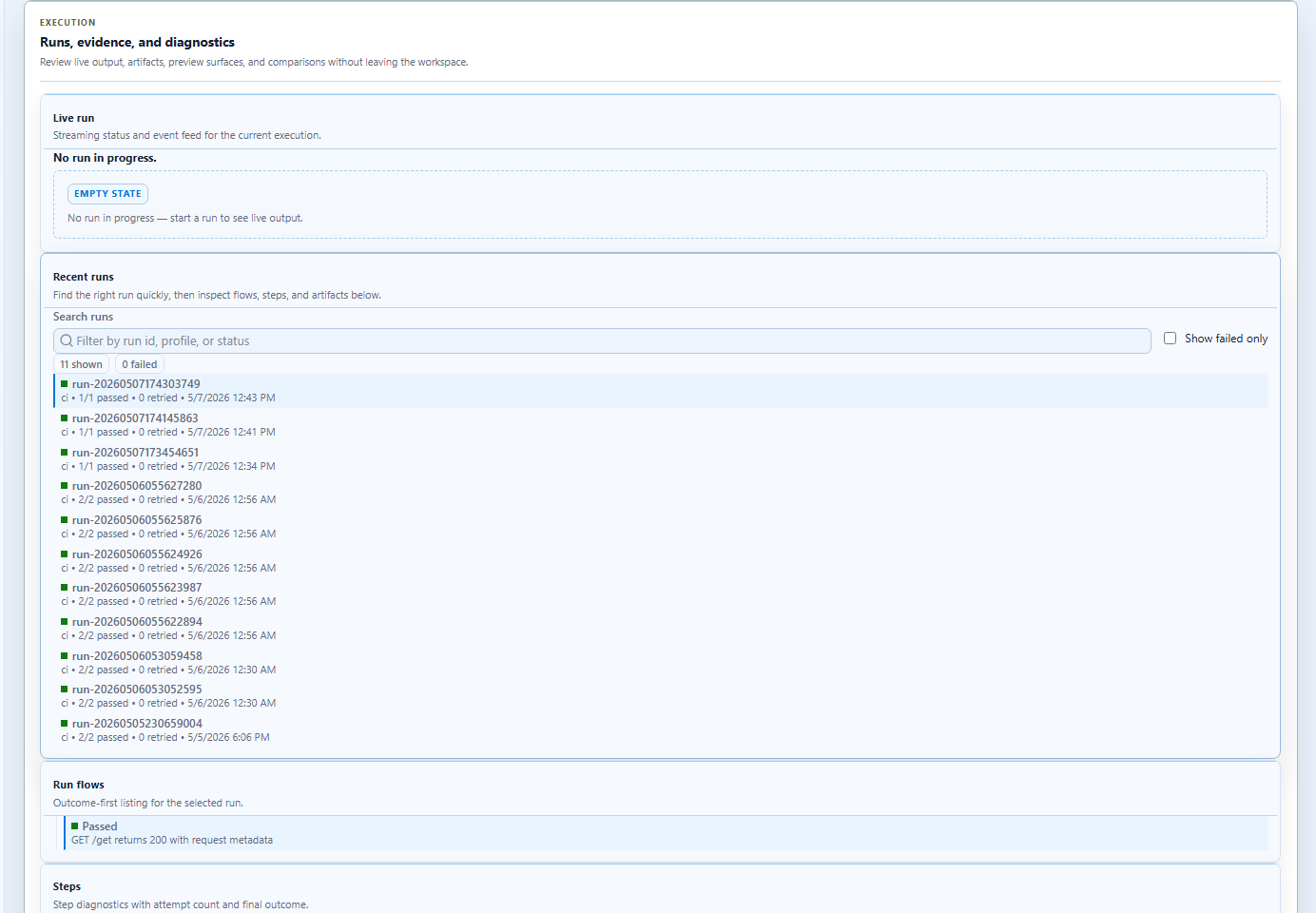
- Studio results panel for screenshots and traces
- generated HTML report for stakeholder-friendly detail
- JSON or JUnit output for CI and tooling integration
Commands for investigation
| Command | Use it for |
|---|---|
cress doctor |
environment readiness, project discovery, driver health |
cress discover |
seeing which flows, steps, fixtures, and capabilities were found |
cress report summarize |
summarizing a selected run |
cress metrics |
run history and trend aggregation |
cress flake-report |
spotting flaky flows and steps |
cress doc generate |
producing a shareable HTML living document |
Common failure patterns
The project is not found
Run from inside the project tree or pass the target project path to the relevant command.
The driver is configured but unavailable
Use doctor and discover drivers to confirm the runtime implementation and config are aligned.
The flow passes locally but not in CI
Review:
- profile differences
- locator stability
- startup and wait assumptions
- evidence mode and screenshot coverage
The failure is hard to diagnose
Increase the evidence richness early in the flow lifecycle and keep reports published from CI as artifacts.