Local development
Use this workflow when changing product code, tests, or documentation in the repository.
1. Restore prerequisites
dotnet tool restore
dotnet restore Cress.sln
npm ci
2. Build the solution
dotnet build Cress.sln --configuration Release
3. Run tests
dotnet test Cress.sln --configuration Release --no-build
dotnet test tests\Cress.AppHost.Tests\Cress.AppHost.Tests.csproj --configuration Release
node --test node/tests/*.test.mjs
Note
Hosted CI uses a safe subset for desktop automation, but local Windows sessions can run the full desktop-oriented suite.
The dedicated Cress.AppHost.Tests project adds Aspire-focused unit, integration, and end-to-end coverage for the orchestrated AppHost surface.
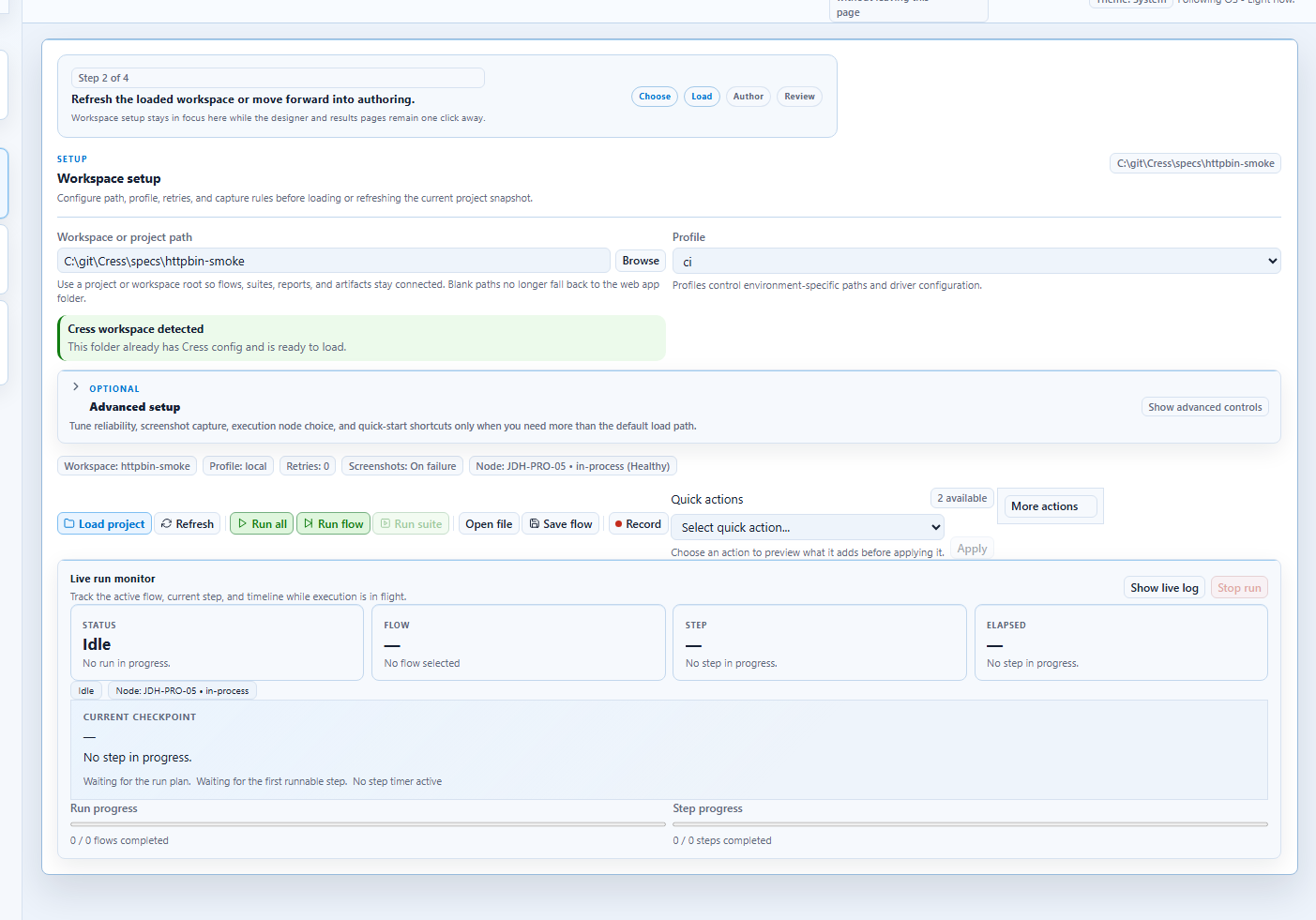
4. Launch the local authoring environment
dotnet run --project src\Cress.AppHost\Cress.AppHost.csproj --configuration Release --launch-profile http
This starts the Aspire AppHost that orchestrates Studio Web and the desktop Studio app.
5. Build the docs site locally
dotnet tool run docfx docs\docfx.json --output artifacts\docs-site
The generated site lands in artifacts\docs-site.
6. High-value local checks
cress --helpafter command-line changescress validate,cress doctor, andcress discoverafter project-system changescress doc generateafter living-doc changes- DocFX build after any navigation or conceptual doc change