Testing services
Service and API testing is one of the strongest starting points for Cress because the built-in HTTP driver gives you a quick path from a product-facing flow to repeatable API assertions.
Recommended approach
Use the HTTP driver when you want to validate:
- health and readiness endpoints
- CRUD-style API workflows
- contract-level JSON assertions
- authentication and authorization flows
- service smoke suites in CI
Pair the HTTP driver with plugin-backed fixtures or steps when you also need:
- test data setup
- secrets or tokens from external systems
- assertions that go beyond the last HTTP response
Tooling
| Layer | Recommendation |
|---|---|
| Runtime driver | built-in http driver |
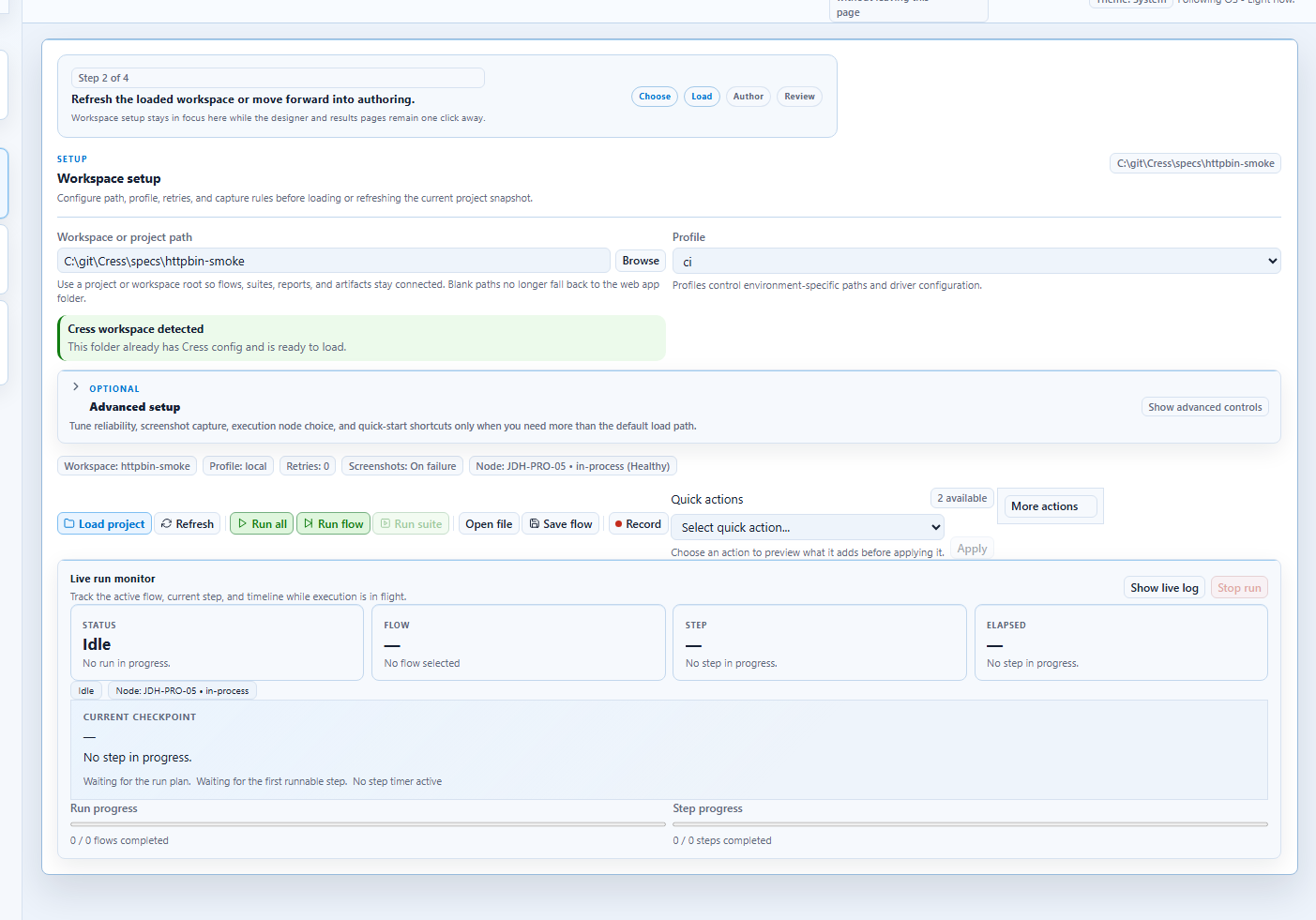
| Project example | specs\httpbin-smoke |
| Authoring | flow YAML plus step manifests |
| Diagnostics | validate, doctor, discover, run --dry-run |
| Reporting | HTML, JSON, JUnit, living docs |
Getting started
1. Start from the HTTP sample
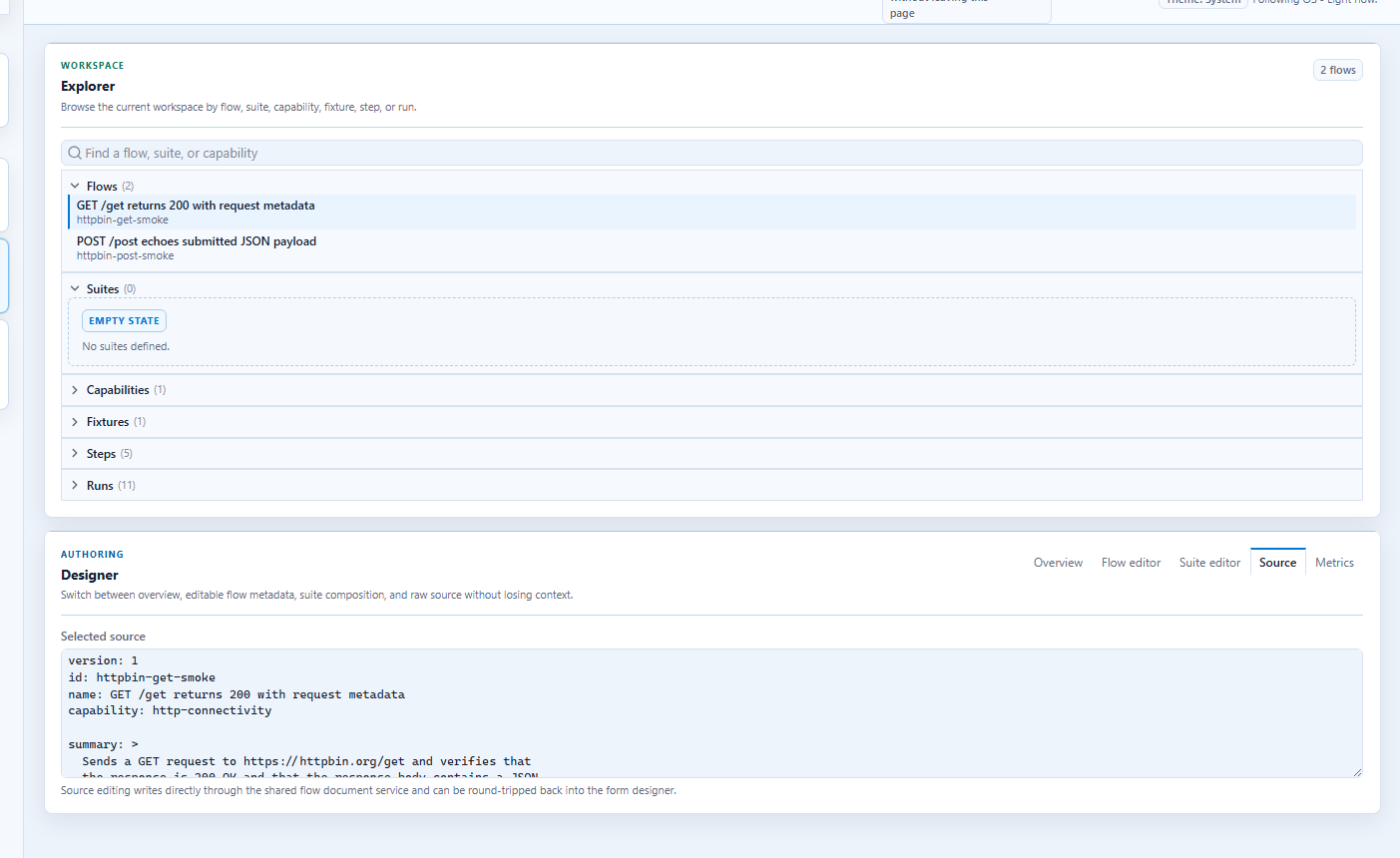
The repo’s specs\httpbin-smoke sample is the best baseline because it is CI-friendly and already demonstrates:
http.gethttp.posthttp.assert-statushttp.assert-jsonhttp.assert-body-contains
2. Enable the HTTP driver
Example .cress\config.yaml:
drivers:
  http:
    enabled: true
  playwright:
    enabled: false
  flawright:
    enabled: false
3. Put the target URL in the profile
profile: ci
baseUrl: https://staging-api.example.com
timeouts:
  step: 30000
  expectation: 10000
variables:
  environment: ci
4. Use HTTP-focused step manifests
Example:
steps:
  - name: http.get
    drivers: [http]
    implementation:
      operation: get
  - name: http.assert-status
    drivers: [http]
    implementation:
      operation: assert-status
Realistic examples
Example 1: readiness and health checks
version: 1
id: service.health-and-ready
name: Service health endpoints return OK
tags:
  - service
  - smoke
  - readiness

when:
  - step: http.get
    with:
      path: /health
then:
  - expect: http.assert-status
    with:
      status: "200"
Example 2: create and verify an order
version: 1
id: orders.create-order
name: Create order returns accepted payload
capability: order-submission
tags:
  - service
  - regression
  - orders

when:
  - step: http.post
    with:
      path: /api/orders
      json: |
        {"customerId":"12345","sku":"SKU-9000","quantity":2}
then:
  - expect: http.assert-status
    with:
      status: "200"
  - expect: http.assert-json
    with:
      path: orderStatus
      equals: accepted
Step-by-step: smoke-test a local service
This walkthrough uses a familiar health-check style flow because it maps directly to services teams already own.
Goal
Call /health, confirm HTTP 200, then call a business endpoint and assert one stable JSON field.
1. Point the profile at the service
profile: local
baseUrl: http://localhost:8080
drivers:
  http:
    enabled: true
2. Author a tiny smoke flow
version: 1
id: service.local-smoke
name: Local service health and version endpoint respond
tags:
  - service
  - smoke

when:
  - step: http.get
    with:
      path: /health
then:
  - expect: http.assert-status
    with:
      status: "200"

when:
  - step: http.get
    with:
      path: /api/version
then:
  - expect: http.assert-json
    with:
      path: service
      equals: orders-api
3. Run it locally
dotnet run --project src\Cress.Cli\Cress.Cli.csproj -- validate specs\httpbin-smoke
dotnet run --project src\Cress.Cli\Cress.Cli.csproj -- run specs\httpbin-smoke --profile local --report html,json
4. Grow it into a pipeline suite
Once the health flow is stable:
- add a seeded create/read/update/delete path
- move environment-specific URLs and tokens into profiles
- export JUnit for CI dashboards
- combine service setup with web or desktop verification when the system spans multiple surfaces
Common service-testing patterns
Smoke suites
Keep these small and high-confidence:
- readiness endpoint
- one authenticated request
- one high-value business transaction
Contract verification
Use http.assert-json for stable field-level checks rather than snapshotting the whole payload unless the contract is intentionally rigid.
Mixed service and UI validation
For systems that expose both API and browser surfaces:
- prepare data through HTTP
- validate the user journey in the browser
- confirm the service side effect through another HTTP assertion
Good use cases
- order, billing, or fulfillment APIs
- internal admin services
- background-job trigger endpoints
- integration smoke tests against staging
- public API contract checks
Practical command loop
dotnet run --project src\Cress.Cli\Cress.Cli.csproj -- validate specs\httpbin-smoke
dotnet run --project src\Cress.Cli\Cress.Cli.csproj -- discover flows --json
dotnet run --project src\Cress.Cli\Cress.Cli.csproj -- run specs\httpbin-smoke --profile ci --report html,json,junit
dotnet run --project src\Cress.Cli\Cress.Cli.csproj -- doc generate specs\httpbin-smoke --output artifacts\docs\httpbin-smoke.html
Design guidance
- keep
baseUrland credentials strategy in profiles - keep reusable API intent in named flows and capabilities
- prefer field-level assertions over fragile full-body comparisons
- use tags like
smoke,contract,auth, orregressionfor pipeline selection