Fastest first run
This is the quickest way to get a real Cress run without building the full solution first. It uses the CLI as a local dotnet tool built from the repository source and the built-in HTTP sample project.
Who this is for
Use this path when you want to evaluate Cress quickly and prove the core workflow before exploring Studio, Playwright, desktop automation, or framework-generated tests.
Prerequisites
- Windows
- .NET SDK
10.0.107or later
1. Pack the CLI as a local tool
From the repository root:
dotnet pack src\Cress.Cli\Cress.Cli.csproj --configuration Release --output artifacts\packages
dotnet tool install --tool-path .\.tools\cress --add-source artifacts\packages Cress.Cli
After that, the CLI is available at:
.\.tools\cress\cress --help
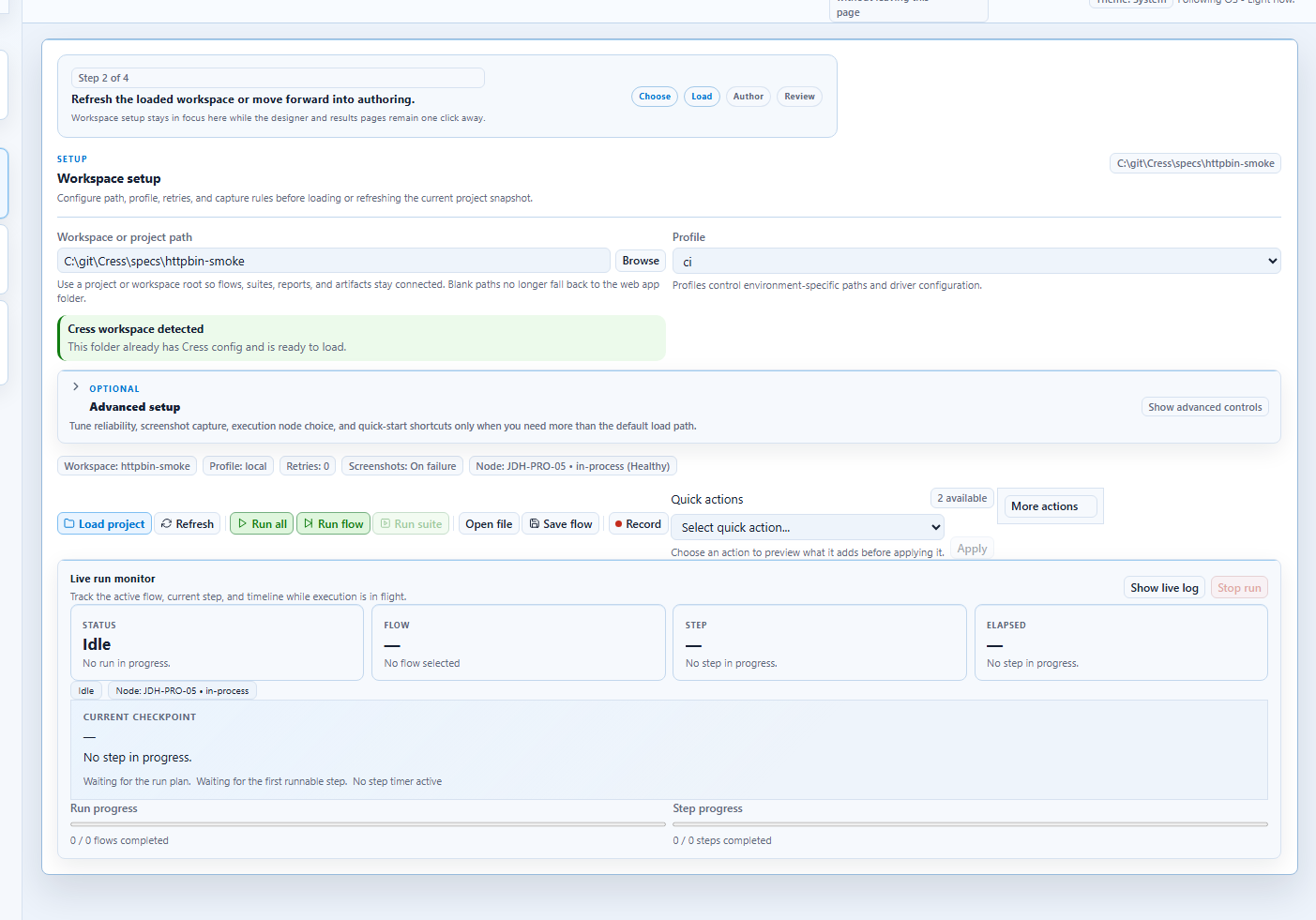
2. Move into the sample project
Set-Location specs\httpbin-smoke
3. Validate the project
..\..\.tools\cress\cress validate
If the project is wired correctly, Cress reports a successful validation result.
4. Run a real flow
..\..\.tools\cress\cress run flows\httpbin\get-smoke.flow.yaml --report html,json,junit
This executes a real HTTP flow and writes artifacts and reports into the project output folders.
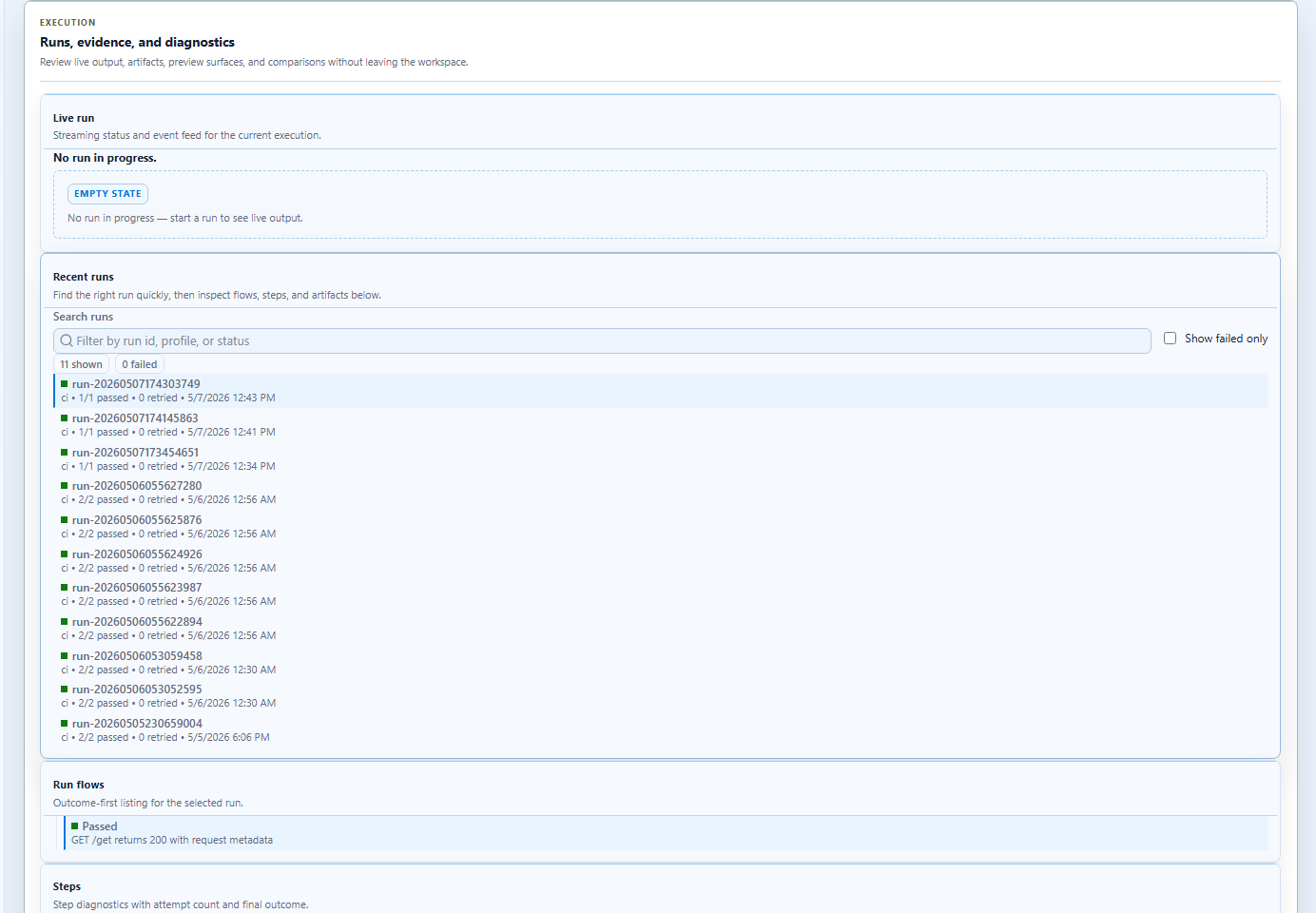
5. Inspect the outputs
Look in:
artifacts\reports\
for the run metadata, JSON output, and generated reports.
6. Next steps
After this first run:
- open the HTTP quickstart for a fuller walkthrough
- move to Studio overview to learn the GUI surfaces
- use GitHub Actions integration when you are ready to run the same project in CI