GitHub Actions integration
Cress should be easy to bring into a normal GitHub-based development cycle. The fastest path is to use the reusable composite action in this repository, which packs the CLI from source on the runner, installs it as a local dotnet tool, and then executes a normal cress command against the caller workspace.
When to use this path
Use the GitHub Action when you want:
- pull-request validation for a Cress project
- artifact publishing for HTML, JSON, JUnit, and screenshots
- a reusable workflow pattern without asking every repository to build the full Cress source tree manually
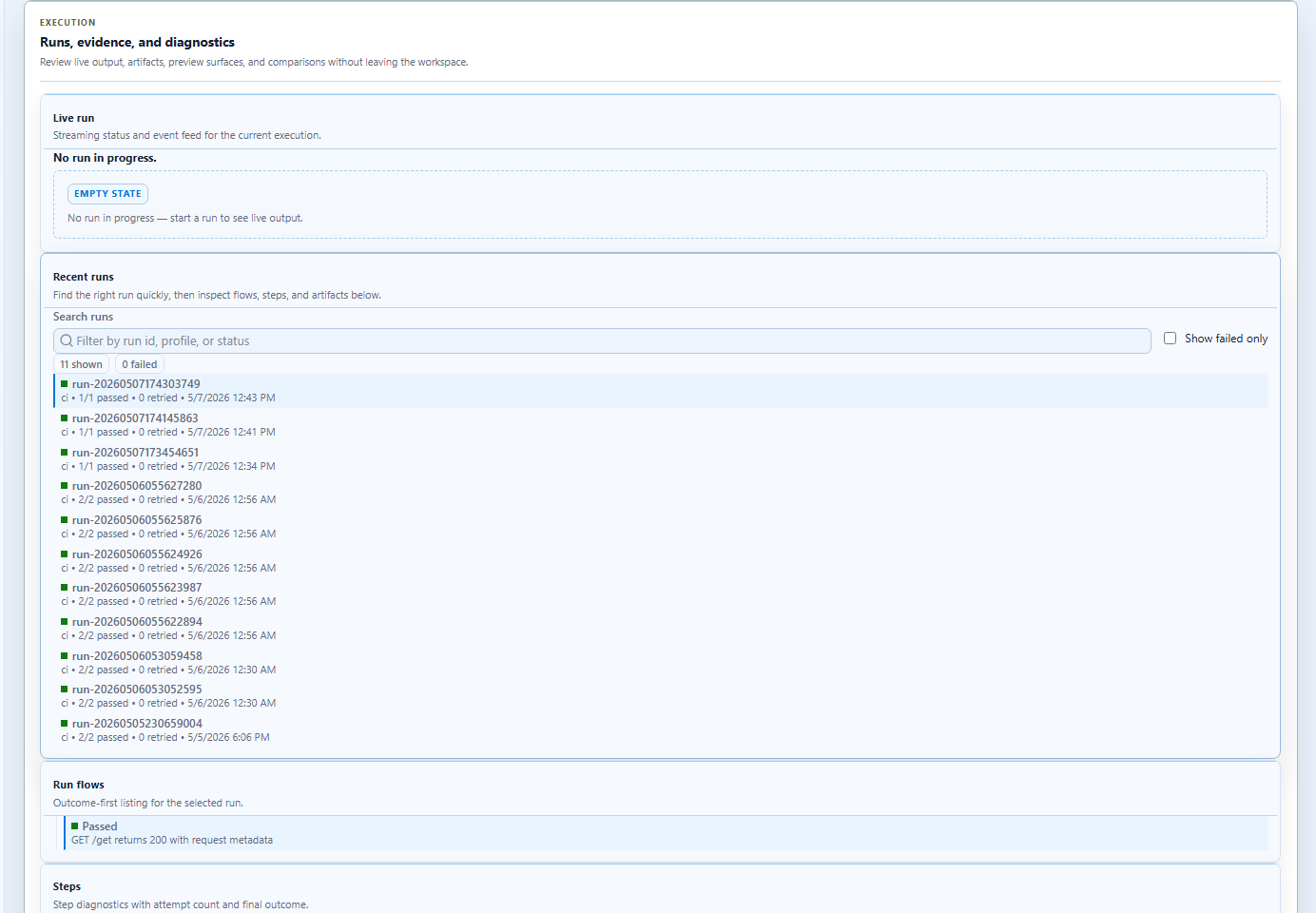
Fastest workflow shape
This is the simplest path for a service-oriented repo that keeps a Cress project in specs\httpbin-smoke.
name: cress-smoke

on:
  pull_request:
  push:
    branches: [main]

jobs:
  validate-and-run:
    runs-on: windows-latest

    steps:
      - uses: actions/checkout@v4

      - name: Validate project
        uses: JerrettDavis/Cress/.github/actions/run-cress@main
        with:
          command: validate
          working-directory: specs\httpbin-smoke

      - name: Run smoke flow
        uses: JerrettDavis/Cress/.github/actions/run-cress@main
        with:
          command: run flows\httpbin\get-smoke.flow.yaml --profile ci --report html,json,junit
          working-directory: specs\httpbin-smoke

      - name: Upload Cress artifacts
        if: always()
        uses: actions/upload-artifact@v4
        with:
          name: cress-artifacts
          path: |
            specs\httpbin-smoke\artifacts\**
            specs\httpbin-smoke\reports\**
Action inputs
| Input | Purpose |
|---|---|
command |
Full command to execute after cress |
working-directory |
Directory in the caller repository where the command should run |
dotnet-version |
.NET SDK version used to pack the tool |
node-version |
Node.js version used when Playwright browser setup is requested |
install-playwright-chromium |
Set to true to install Chromium before browser-oriented runs |
Browser-oriented workflow example
- name: Run browser smoke flow
  uses: JerrettDavis/Cress/.github/actions/run-cress@main
  with:
    command: run flows\example.flow.yaml --profile ci --report html,json,junit
    working-directory: specs\web-smoke
    install-playwright-chromium: true
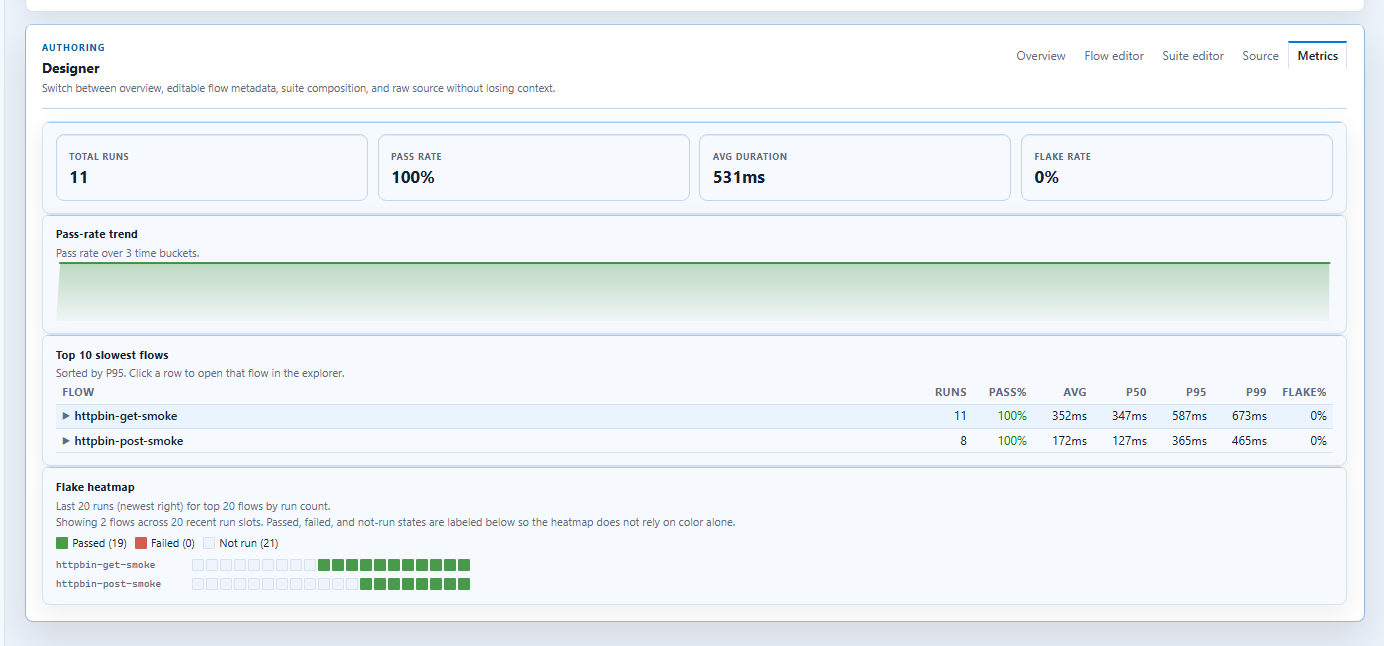
How this fits the development cycle
The recommended loop is:
- author and stabilize the flow locally in Studio or Studio Web
- validate it with
cress validate - add the GitHub Action workflow
- publish artifacts from PR and
mainruns - move stable scenarios into generated xUnit, NUnit, or MSTest suites if the repo wants a framework-native entry point
Repository policy checks
This repository also ships a dedicated conventional-commits.yml workflow so GitHub can enforce Conventional Commits before changes land on main.
Require these checks in your branch protection rules:
- PR title - validates the pull request title with the Conventional Commit headline format
- PR commits - validates every commit headline in the pull request
The same workflow also runs Push commits on direct pushes to main so bypassed or administrative pushes still follow the same policy. Git-generated merge commits are ignored in that push-only path because the authored commits and the pull request title are already validated earlier.
Relationship to generated framework tests
The GitHub Action and the framework exports solve different adoption problems:
- use the GitHub Action when the repo wants to run plain Cress commands in CI
- use generated xUnit / NUnit / MSTest tests when the repo wants
dotnet testto be the single operational entry point
Many teams will use both:
- direct Cress runs for smoke validation and artifact-rich debugging
- generated framework tests for deeper suite composition and ownership
Current limitation
This action removes the need for callers to build the full Cress solution themselves, but it still packs the CLI from the action repository source at workflow time. The next packaging step is publishing the CLI package to a package feed so workflows can install Cress directly from NuGet instead of a local action-built package.