Overview
JD.AI is an AI-powered terminal assistant built on Microsoft Semantic Kernel. It brings intelligent code understanding, generation, and project management directly to your command line — with support for multiple AI providers and a rich set of built-in tools.
Open source under the MIT license. Available on NuGet and GitHub.
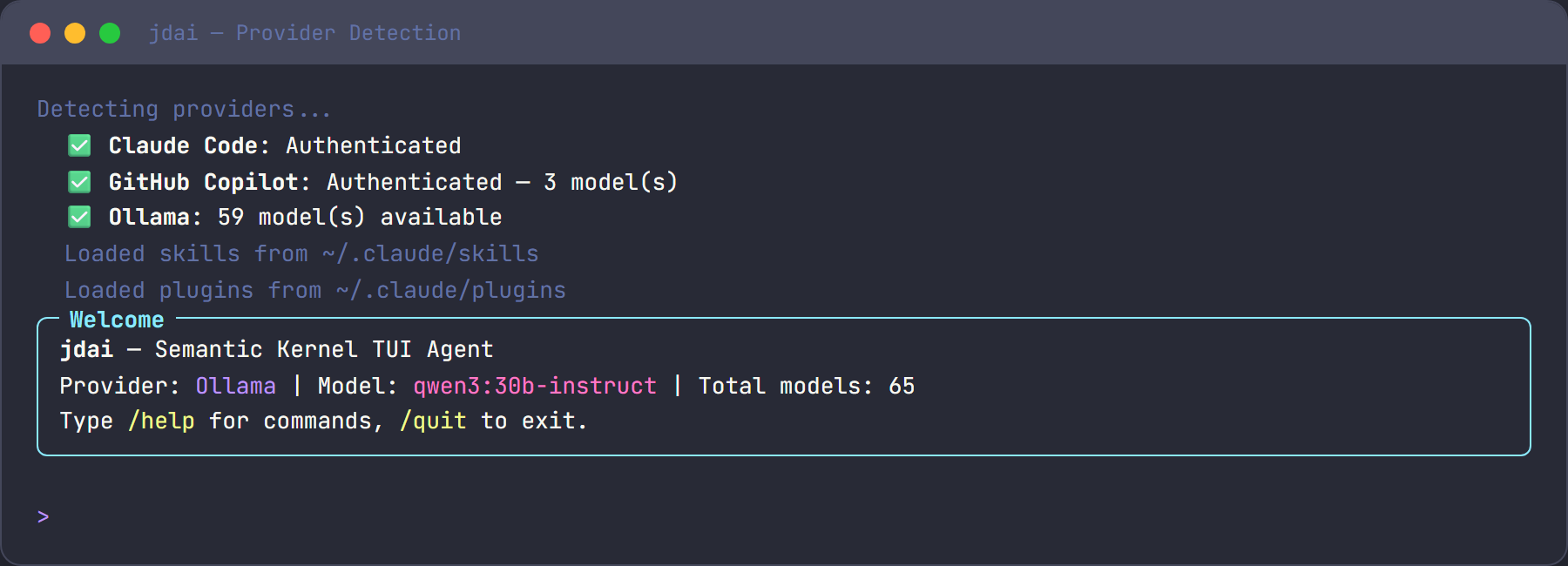
Get started
Install JD.AI as a global .NET tool and launch it:
Note
Requires .NET 10.0 SDK or later and at least one configured AI provider.
JD.AI automatically detects available providers and selects the best one. Choose from Claude Code, GitHub Copilot, OpenAI Codex, Ollama, or local GGUF models — or switch on the fly with /provider.
What you can do
| Category | Capabilities |
|---|---|
| Explore | Navigate codebases, search files, understand architecture |
| Fix | Diagnose bugs, apply targeted fixes, validate with tests |
| Refactor | Restructure code, rename symbols, extract methods |
| Test | Generate unit tests, integration tests, and test fixtures |
| Collaborate | Create pull requests, write commit messages, review diffs |
| Document | Generate and update READMEs, API docs, and inline comments |
| Research | Search the web for libraries, APIs, and best practices |
| Orchestrate | Delegate to subagents and coordinate multi-agent teams |
Core features
JD.AI ships with a broad set of capabilities out of the box:
| Feature | Summary | Learn more |
|---|---|---|
| 5 AI providers | Claude Code, Copilot, OpenAI Codex, Ollama, and local GGUF models | Providers |
| Local model inference | Run GGUF models in-process via LLamaSharp — fully offline | Local models |
| 8 tool categories | File I/O, shell, search, git, web, and more | Tools reference |
| 23+ slash commands | /help, /model, /local, /spinner, /workflow, and others |
Commands reference |
| 5 subagent types | Specialized agents for explore, code review, testing, and more | Subagents |
| 4 orchestration strategies | Coordinate teams of agents for complex tasks | Orchestration |
| Session persistence | Save and resume conversations across sessions | Persistence |
| Project instructions | Configure behavior per-project via JDAI.md files |
Configuration |
| Git checkpointing | Automatic checkpoints before destructive operations | Checkpointing |
| Auto-update | Stay current via dotnet tool update --global JD.AI |
— |
Next steps
- Quickstart — end-to-end setup in under five minutes
- Best practices — tips for writing effective prompts and structuring projects
- Troubleshooting — common issues and how to resolve them