Session Persistence
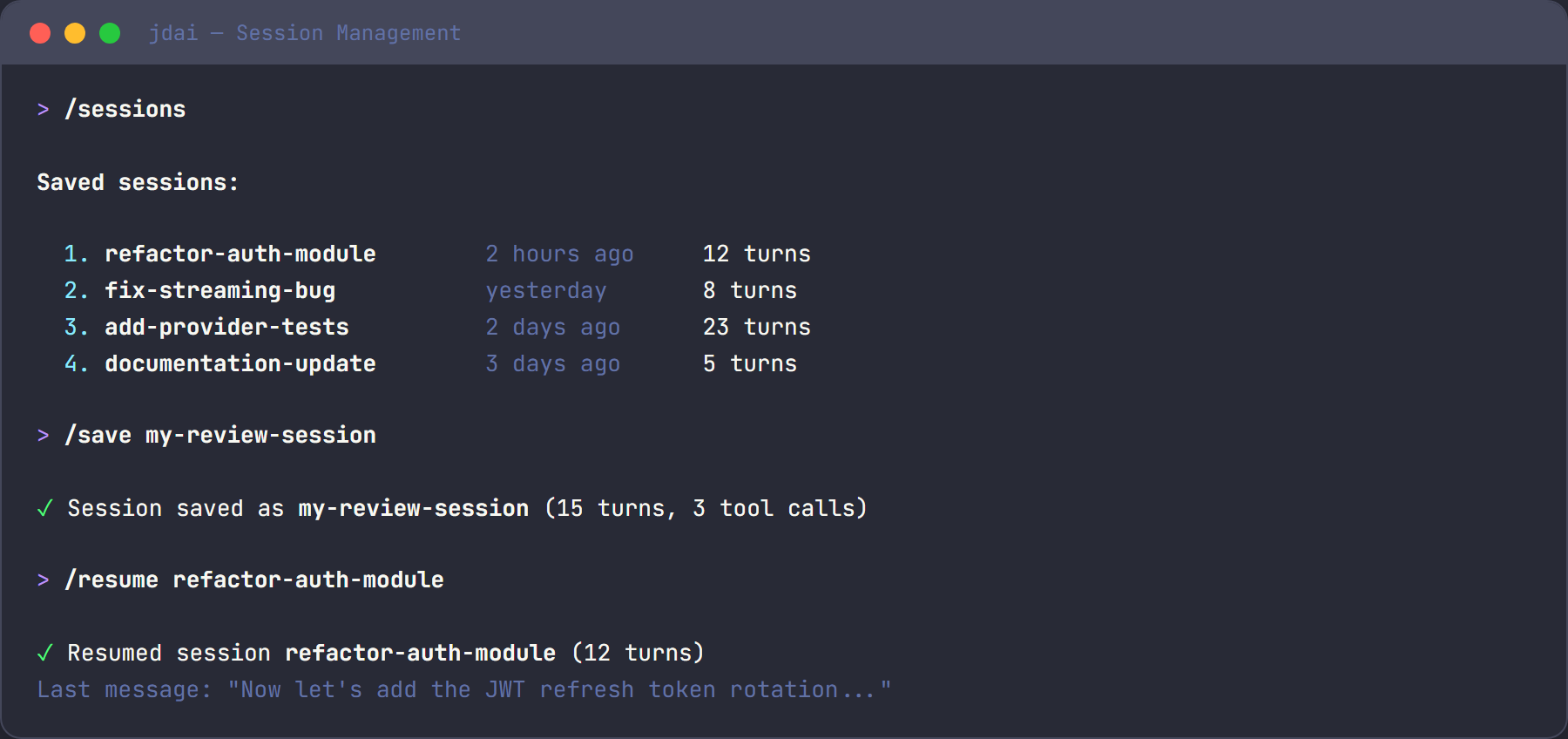
JD.AI automatically saves conversation history to a local SQLite database so you can resume where you left off. Sessions capture turns, token usage, tool calls, and files touched — giving you a complete record of each interaction.
How It Works
- Sessions are stored in SQLite at
~/.jdai/sessions.db - Each session tracks turns, token usage, tool calls, and files touched
- Sessions are auto-saved when you exit
No external dependencies are required. The database is created on first run and managed transparently.
Session Management Commands
Save and Name Sessions
/name my-feature          # Name the current session
/save                     # Explicitly save current state
Naming a session makes it easy to find later when you have many saved sessions.
List and Resume Sessions
/sessions                 # List recent sessions with ID, name, path, turns
/resume                   # Interactive session picker
/resume abc123            # Resume specific session by ID
View History
/history # Show turn-by-turn history with token counts
The history viewer supports interactive rollback — press ESC twice to open the browser and select a turn to revert to.
Export Sessions
/export # Export to JSON at ~/.jdai/exports/
Exported JSON includes the full conversation history, tool calls, and metadata.
CLI Session Flags
| Flag | Description |
|---|---|
--resume <id> |
Resume a specific session on startup |
--new |
Start a fresh session (skip persistence) |
What's Stored
SessionInfo
| Field | Description |
|---|---|
Id |
Unique session identifier |
Name |
User-assigned name (via /name) |
ProjectPath |
Working directory when session started |
CreatedAt |
Session creation timestamp |
UpdatedAt |
Last activity timestamp |
Turns |
Collection of conversation turns |
TurnRecord
| Field | Description |
|---|---|
Role |
User, Assistant, or System |
Content |
Message text |
PromptTokens |
Tokens in the prompt |
CompletionTokens |
Tokens in the completion |
ToolCalls |
Tools invoked during this turn |
FilesTouched |
Files read or modified |
ToolCallRecord
| Field | Description |
|---|---|
ToolName |
Name of the tool (e.g., read_file) |
Arguments |
JSON arguments passed |
Output |
Tool execution result |
Storage Location
| Path | Purpose |
|---|---|
~/.jdai/sessions.db |
Session database |
~/.jdai/exports/ |
Exported session JSON files |
~/.jdai/update-check.json |
Update cache |
Tips
- Name sessions for easy recall:
/name feature-authhelps you find sessions later. - Compact before saving: Use
/compactto manage context before saving long sessions. - Export important sessions: JSON backups ensure you never lose critical history.
- Per-project filtering: Sessions record the project path, so
/sessionscan filter by working directory.