Local Models
JD.AI can run GGUF language models directly in-process via LLamaSharp, a C# binding for llama.cpp. This enables fully standalone operation — no Ollama, no cloud API keys, no internet connection.
Quick start
- Download a GGUF model (example: TinyLlama for testing):
mkdir -p ~/.jdai/models
curl -L -o ~/.jdai/models/tinyllama-1.1b-chat-v1.0.Q4_K_M.gguf \
  https://huggingface.co/TheBloke/TinyLlama-1.1B-Chat-v1.0-GGUF/resolve/main/tinyllama-1.1b-chat-v1.0.Q4_K_M.gguf
- Launch JD.AI — the model is auto-detected:
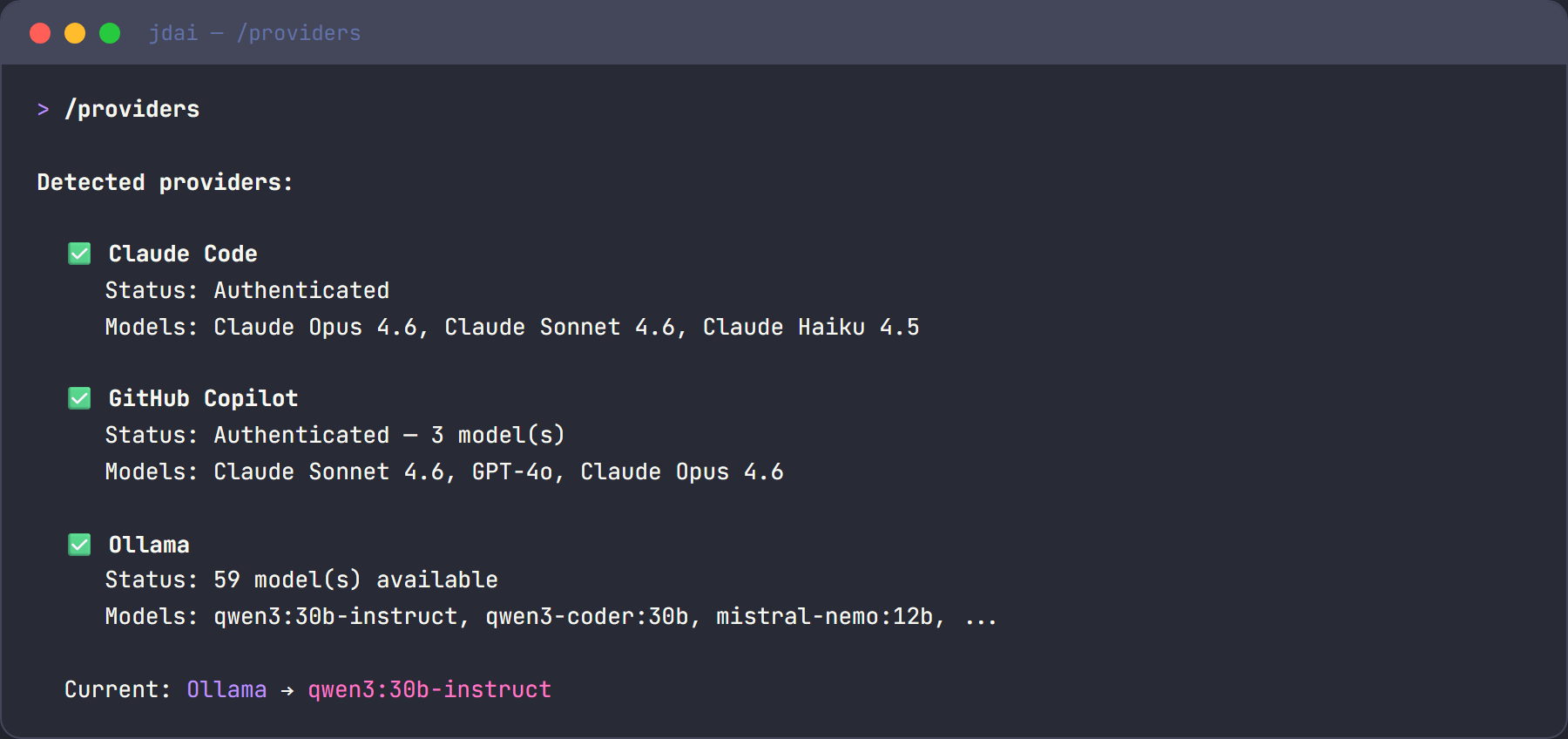
Detecting providers...
  ✓ Local: 1 model(s) [Cpu]
- Select it with
/model tinyllamaor through the/modelspicker.
Model sources
JD.AI discovers models from four sources:
| Source | Description | Example |
|---|---|---|
| Local file | A single .gguf file path |
/local add ~/my-model.gguf |
| Directory scan | Recursive scan for .gguf files |
Automatic on startup in ~/.jdai/models/ |
| HuggingFace Hub | Search and download from HF | /local search llama 7b |
| Remote URL | Direct HTTP(S) download with resume | /local download <repo-id> |
Managing local models
Use the /local slash command family to manage your model library.
List registered models
/local list
Shows all models in the registry with their ID, display name, quantization, and file size.
Add a model file or directory
/local add /path/to/model.gguf
/local add /path/to/models-folder/
Registers the file (or recursively scans the directory) and persists the registry.
Scan for models
/local scan
/local scan /path/to/custom/directory
Scans the specified directory (or the default model directory) for .gguf files and merges them into the registry.
Search HuggingFace
/local search llama 7b
/local search mistral instruct
Queries the HuggingFace Hub API for GGUF-tagged model repositories. Results include repo ID and download count.
Tip
Set the HF_TOKEN environment variable to authenticate with HuggingFace for higher rate limits and access to gated models.
Download from HuggingFace
/local download TheBloke/Mistral-7B-Instruct-v0.2-GGUF
Downloads the best-quality GGUF file (prefers Q4_K_M) from the specified HuggingFace repository. Downloads support resume — if interrupted, re-running the command continues where it left off.
Remove a model
/local remove <model-id>
Removes the model from the registry. The file on disk is not deleted.
Model registry
JD.AI tracks all known models in a JSON manifest at ~/.jdai/models/registry.json. The registry stores model ID, display name, file path, size, quantization type, parameter size, source, and timestamp.
On startup, the registry is loaded, stale entries pointing to missing files are pruned, the model directory is scanned for new files, and the registry is saved.
GPU acceleration
LLamaSharp auto-detects available GPU hardware at startup:
| Backend | Platforms | Detection |
|---|---|---|
| CUDA | Windows, Linux | Checks for NVIDIA native libraries |
| Metal | macOS | Always available on Apple Silicon |
| CPU | All | Fallback — always available |
The detected backend is shown in the provider status line:
✓ Local: 3 model(s) [Cuda]
By default, all model layers are offloaded to the GPU. If GPU loading fails (e.g., insufficient VRAM), JD.AI falls back to CPU automatically.
Tip
Only one local model is loaded at a time. Switching models via /model unloads the previous model and frees memory before loading the new one.
Choosing a model
GGUF models vary in size, quality, and hardware requirements:
| Category | Parameters | RAM required | Use case |
|---|---|---|---|
| Tiny | 1–3B | 1–3 GB | Testing, quick iteration, low-resource machines |
| Small | 7–8B | 5–8 GB | General coding assistance, good quality/speed balance |
| Medium | 13–14B | 10–16 GB | Higher quality, needs decent hardware |
| Large | 30–70B | 24–64 GB | Best quality, requires high-end GPU or large RAM |
Recommended quantization: Q4_K_M — good balance of quality and performance for most use cases.
| Quantization | Quality | Size vs. F16 |
|---|---|---|
| Q2_K | Low | ~25% |
| Q4_K_M | Good (recommended) | ~40% |
| Q5_K_M | Very good | ~50% |
| Q6_K | Near-original | ~60% |
| Q8_0 | Excellent | ~75% |
| F16 | Original | 100% |
Environment variables
| Variable | Description | Default |
|---|---|---|
JDAI_MODELS_DIR |
Model storage and registry directory | ~/.jdai/models/ |
HF_HOME |
HuggingFace cache directory | ~/.cache/huggingface/ |
HF_TOKEN |
HuggingFace API token for authenticated access | — |
Troubleshooting
No local models detected
Add a model:
/local add /path/to/model.gguf
/local download TheBloke/TinyLlama-1.1B-Chat-v1.0-GGUF
Model fails to load (out of memory)
Use a smaller model or lower quantization. Force CPU-only mode by setting GPU layers to 0.
Slow inference
Install CUDA drivers for NVIDIA GPUs. Check startup status shows [Cuda] not [Cpu]. Use a smaller quantization like Q4_K_M.
HuggingFace search returns no results
Set HF_TOKEN for authenticated access. Check network connectivity.
See also
- Provider Setup — all 15 supported providers
- Commands —
/localand/modelscommands - Configuration — environment variables and data directories