Sessions & History
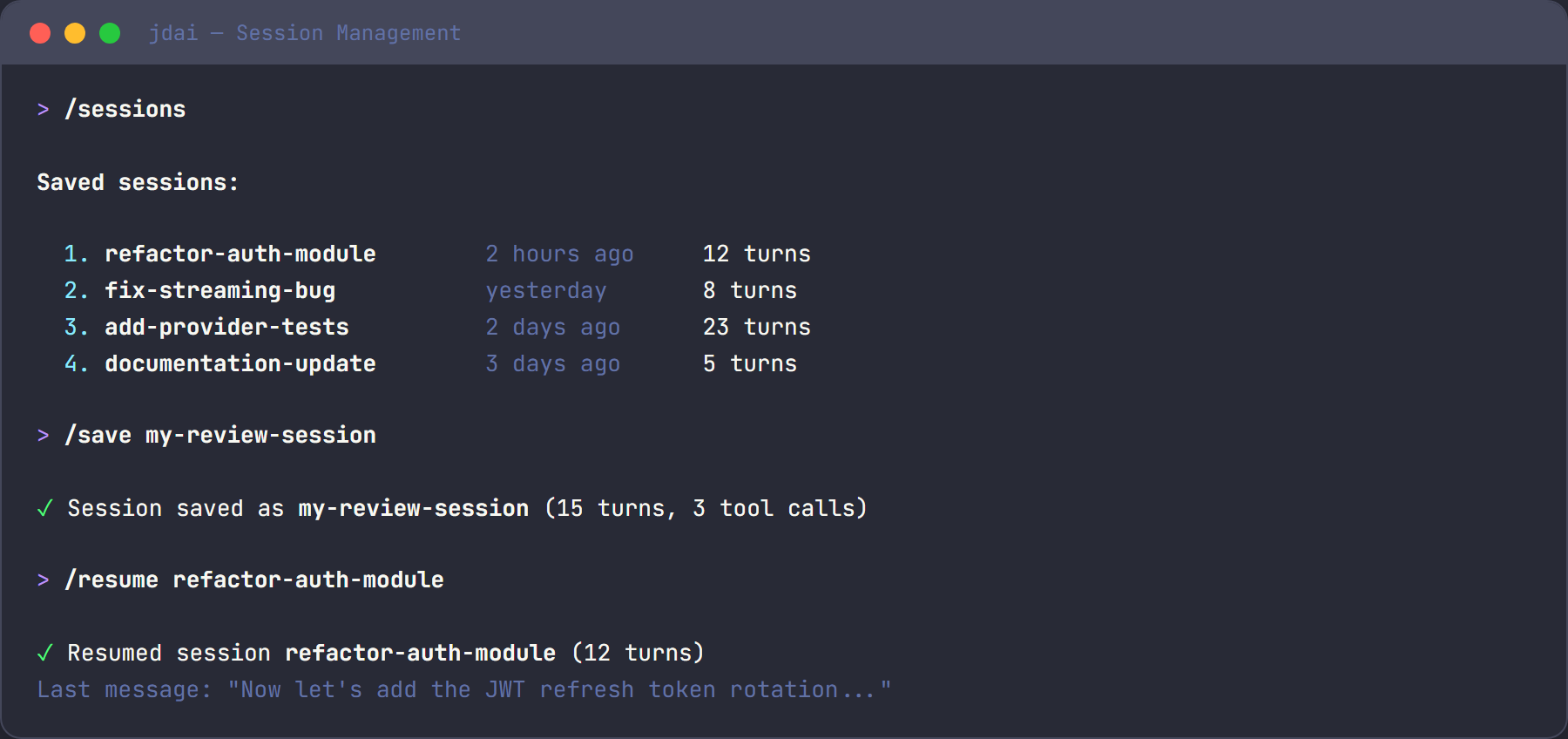
JD.AI automatically saves conversation history to a local SQLite database so you can resume where you left off. Sessions capture turns, token usage, tool calls, and files touched — giving you a complete record of each interaction.
How it works
- Sessions are stored in SQLite at
~/.jdai/sessions.db - Each session tracks turns, token usage, tool calls, and files touched
- Sessions are auto-saved when you exit
No external dependencies are required. The database is created on first run and managed transparently.
Save and name sessions
/name my-feature          # Name the current session
/save                     # Explicitly save current state
Naming a session makes it easy to find later. Descriptive names like /name feature/rate-limiting or /name bugfix/auth-timeout work much better than auto-generated IDs.
List and resume sessions
/sessions                 # List recent sessions with ID, name, path, turns
/resume                   # Interactive session picker
/resume abc123            # Resume specific session by ID
When you resume a session, JD.AI reloads the full conversation history. The AI model picks up where you left off with complete context.
View history
/history # Show turn-by-turn history with token counts
The history viewer shows each turn with its role (user, assistant, system), content preview, and token usage. Press ESC twice to open the interactive browser and select a turn to roll back to.
Export sessions
/export # Export to JSON at ~/.jdai/exports/
Exported JSON includes the full conversation history, tool calls, arguments, outputs, and metadata. Useful for archiving important sessions or sharing context with teammates.
CLI session flags
Start JD.AI with session-related flags:
| Flag | Description |
|---|---|
--resume <id> |
Resume a specific session on startup |
--continue |
Continue the most recent session |
--session-id <id> |
Attach to or create a session with a specific ID |
--new |
Start a fresh session (skip persistence) |
# Resume the last session
jdai --continue

# Resume a specific session
jdai --resume abc123

# Start fresh — no session history
jdai --new
What's stored
Each session record includes:
| Field | Description |
|---|---|
| Id | Unique session identifier |
| Name | User-assigned name (via /name) |
| ProjectPath | Working directory when the session started |
| CreatedAt | Session creation timestamp |
| UpdatedAt | Last activity timestamp |
| Turns | Collection of conversation turns |
Each turn records the role, content, prompt tokens, completion tokens, tool calls, and files touched.
Storage locations
| Path | Purpose |
|---|---|
~/.jdai/sessions.db |
SQLite session database |
~/.jdai/exports/ |
Exported session JSON files |
Tips
- Name sessions for easy recall —
/name feature-authis easier to find than a timestamp. - Compact before saving long sessions — use
/compactto summarize and free context space. - Export important sessions — JSON backups ensure you never lose critical history.
- Per-project filtering — sessions record the project path, so
/sessionscan filter by working directory. - Combine with checkpointing — pair sessions with checkpoints for full project-state recovery.
See also
- Commands — all session-related slash commands
- Checkpointing — git checkpoints for project state
- Configuration — storage paths and environment variables