OpenAgents UI Quickstart
This guide walks you through running OpenAgents and launching your first agent job from the web UI.
1) Start the stack
bash scripts/build-images.sh
docker compose up -d --build
On Windows, use pwsh scripts/first-run.ps1 instead to populate .env, build the provider images, and start the stack.
Provider credentials
Set the auth environment variable for each provider you plan to run:
ANTHROPIC_API_KEY- Claude CodeOPENAI_API_KEY- Codex (and optionally OpenCode)GEMINI_API_KEY- Gemini (and optionally OpenCode)GH_TOKENorGITHUB_TOKEN- Copilot (and optionally OpenCode)
Open:
- Web UI:
http://localhost:3001 - API health:
http://localhost:8080/healthz
2) Open Jobs and create a run
- Go to Jobs.
- Click New Job.
- Fill:
- Title: a short run name
- Prompt / Request: what the agent should do
- Workflow: usually
planning - Provider: one of
claude-code,opencode,codex,gemini, orcopilot - Workspace path: local path for artifacts
- Click Create Job.

3) Monitor execution
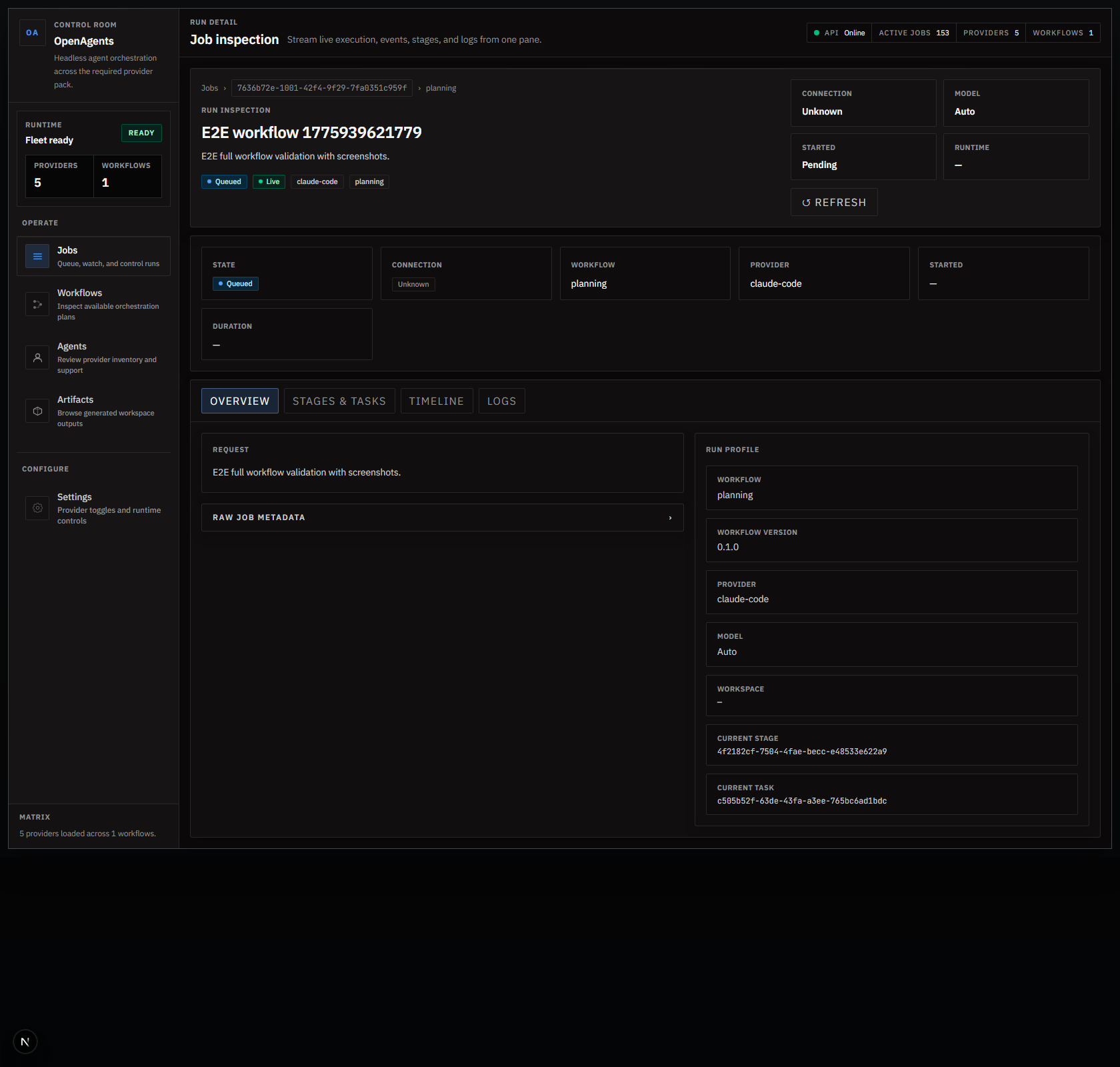
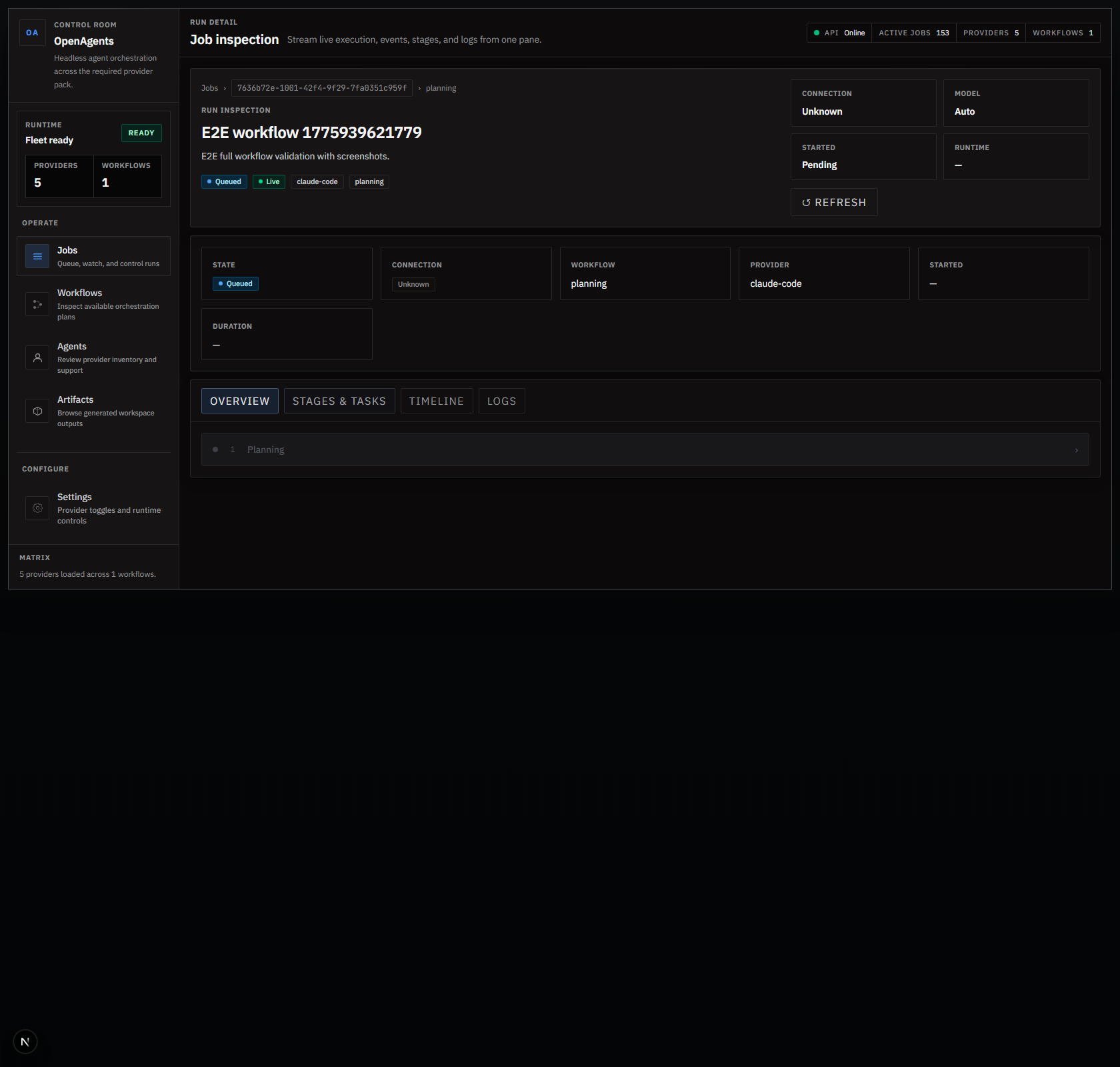
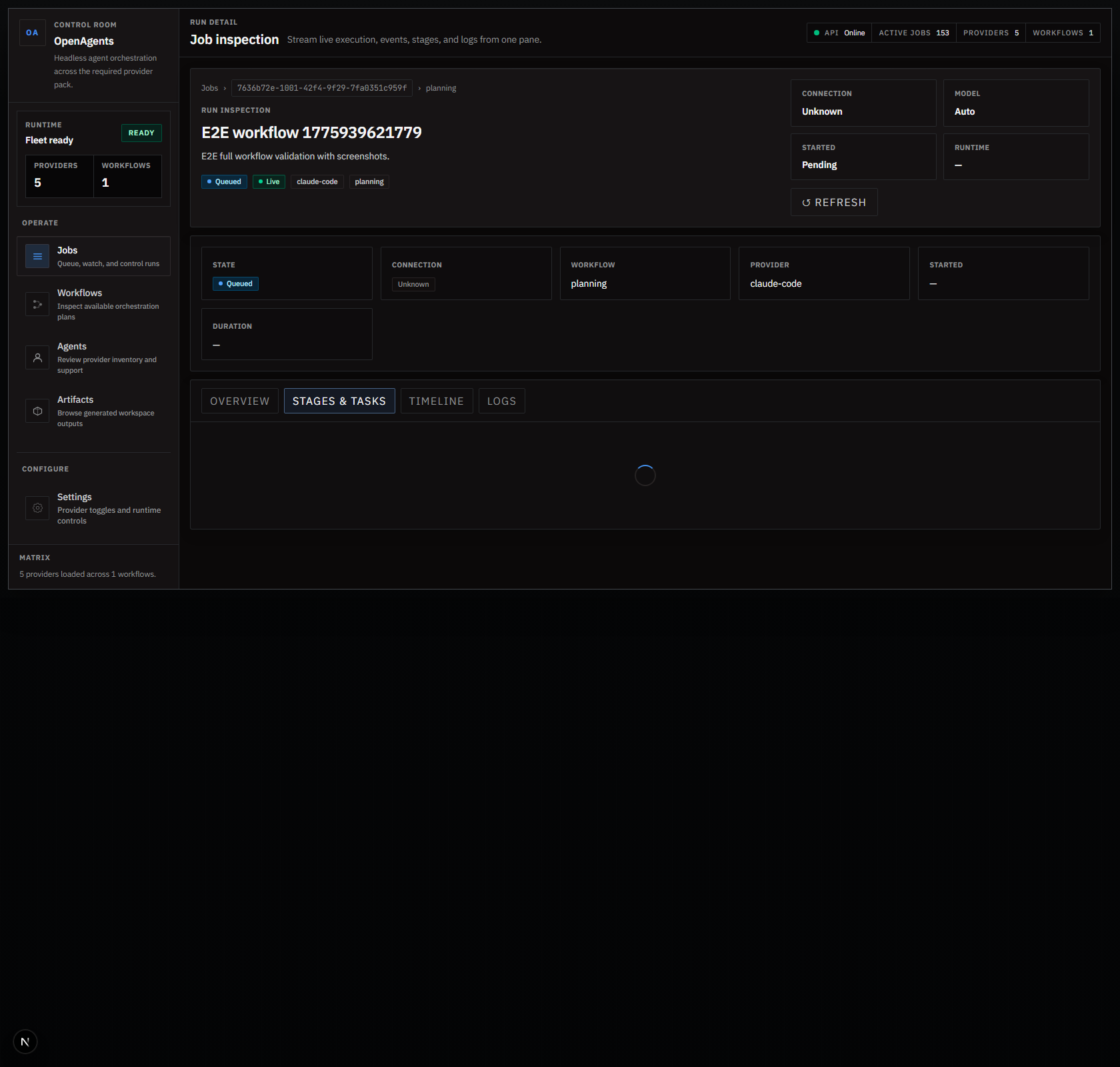
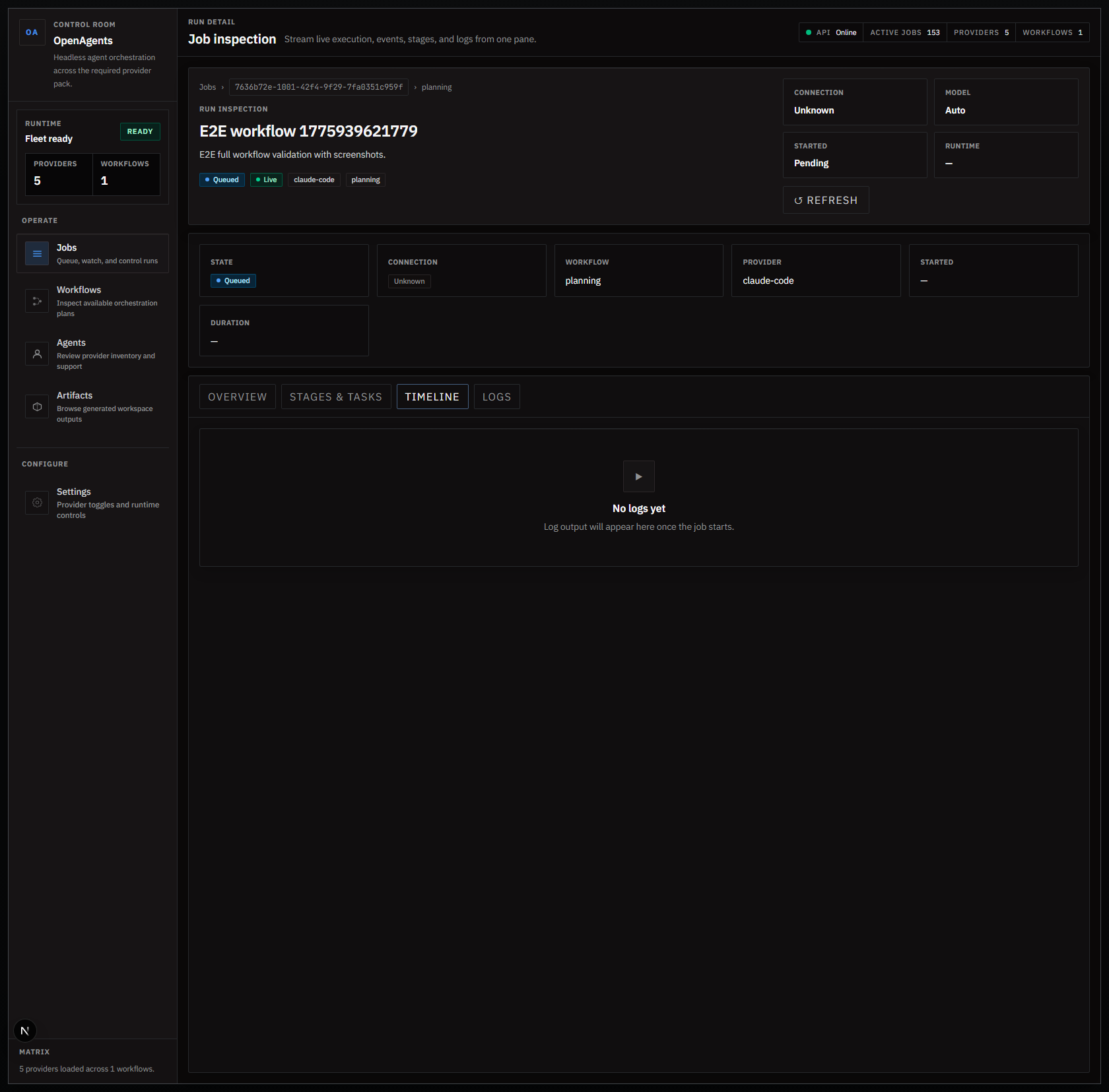
Open job detail and use tabs:
- Stages & Tasks for execution breakdown
- Timeline for events
- Logs for process output
4) Configure workflows and providers
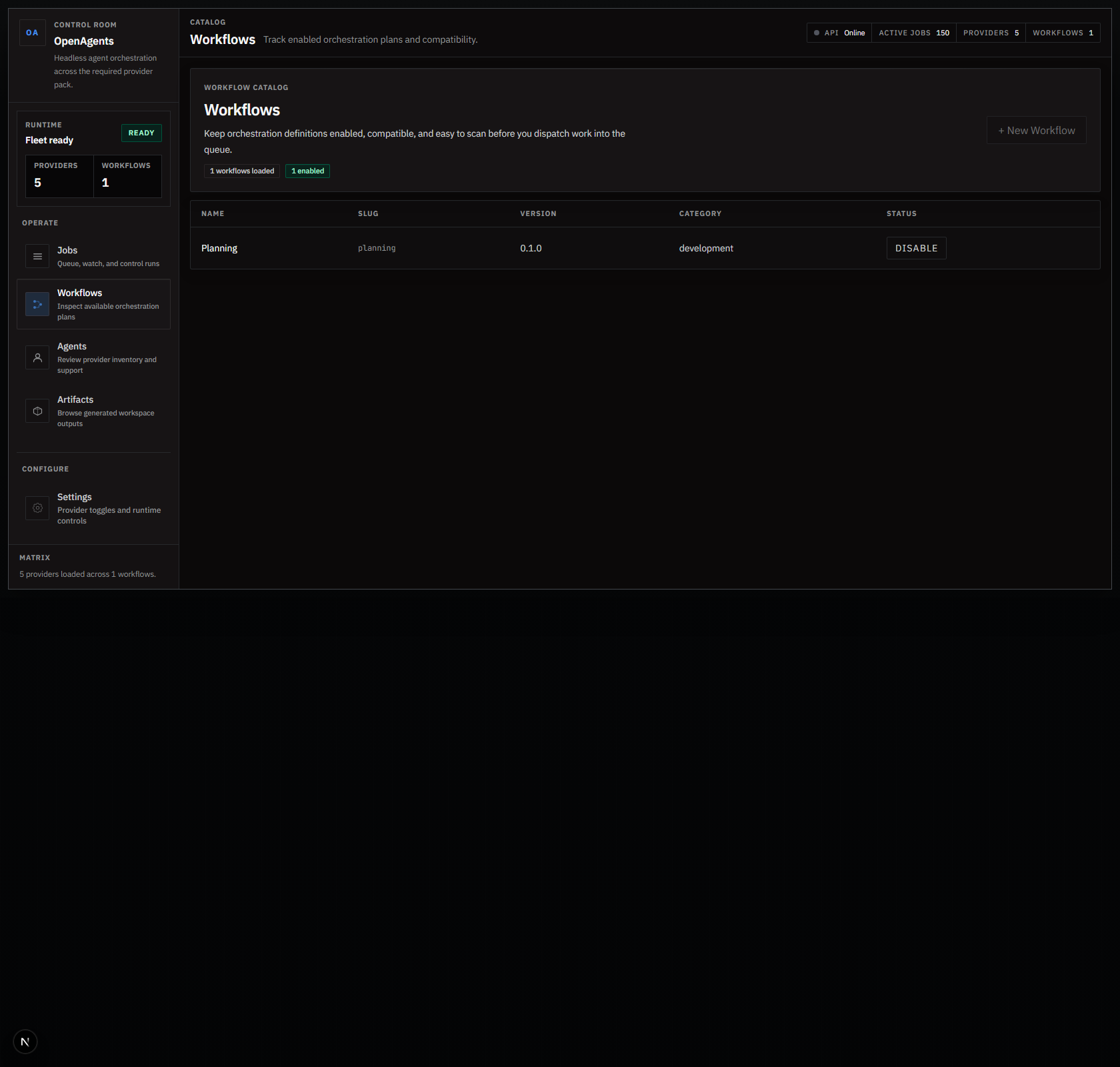
- Workflows page lets you create workflow definitions, then enable/disable them.
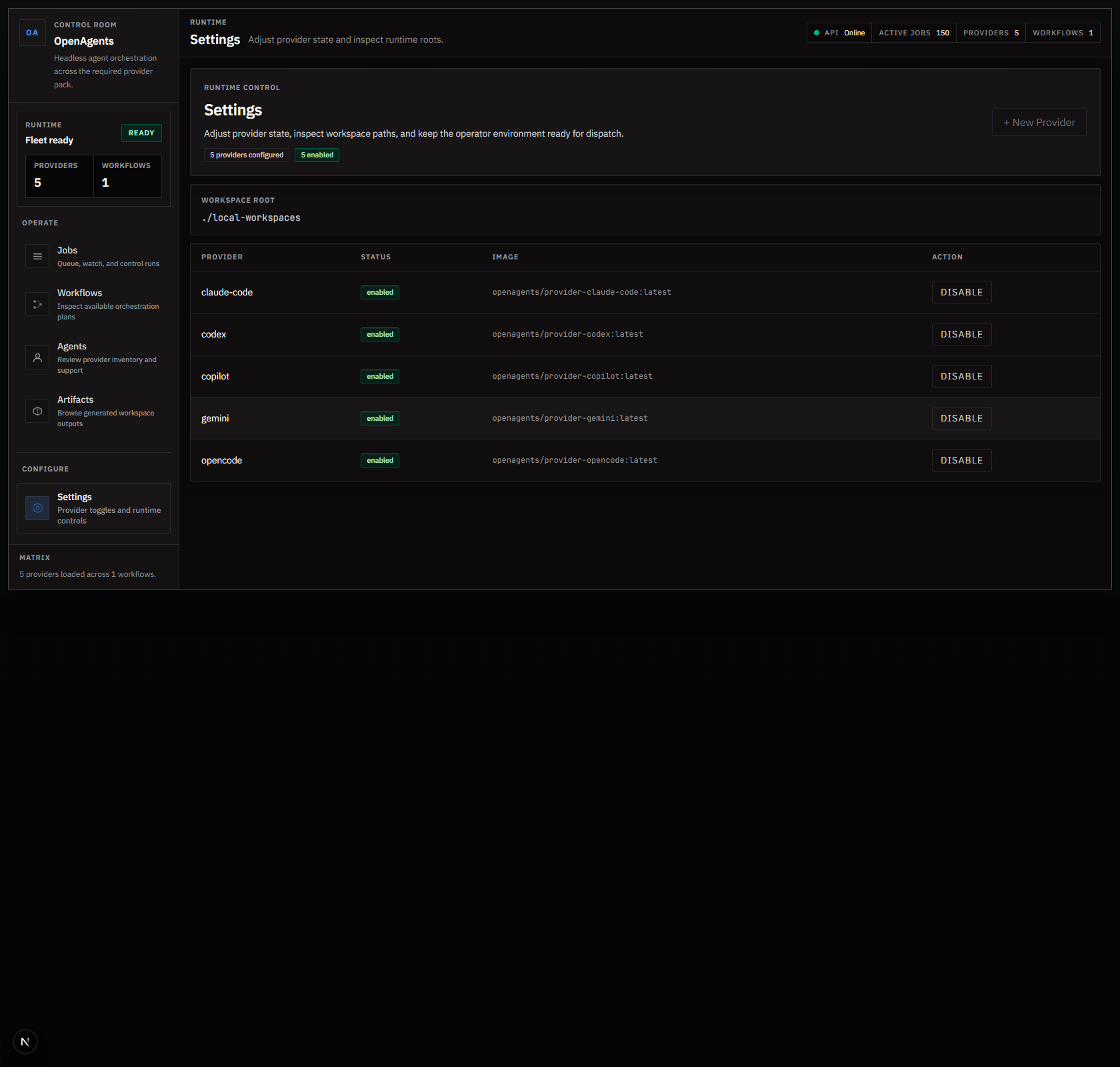
- Settings page lets you create provider definitions, toggle them, and verify runtime roots.
5) Inspect runtime and artifacts
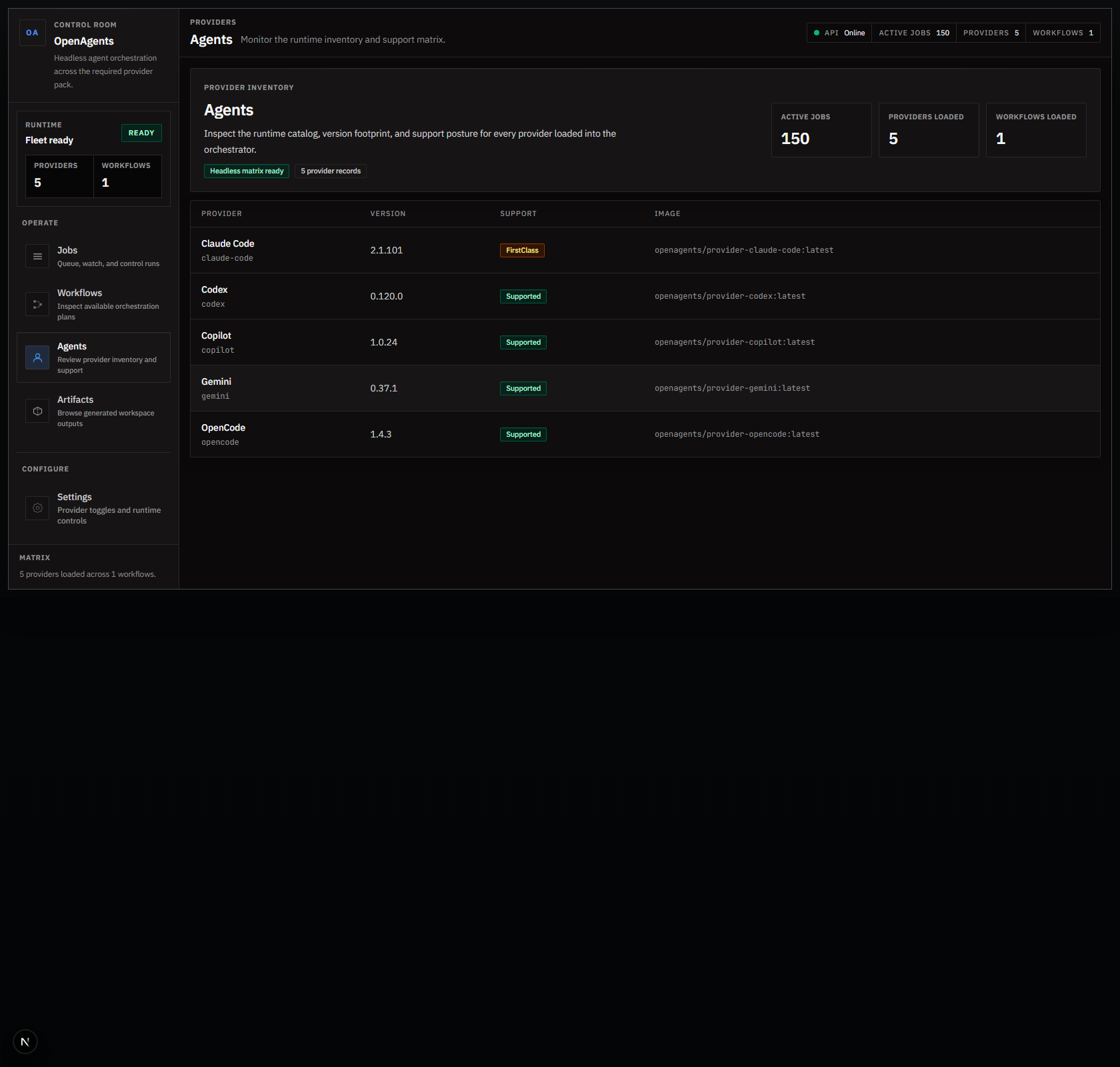
- Agents shows runtime/provider summary.
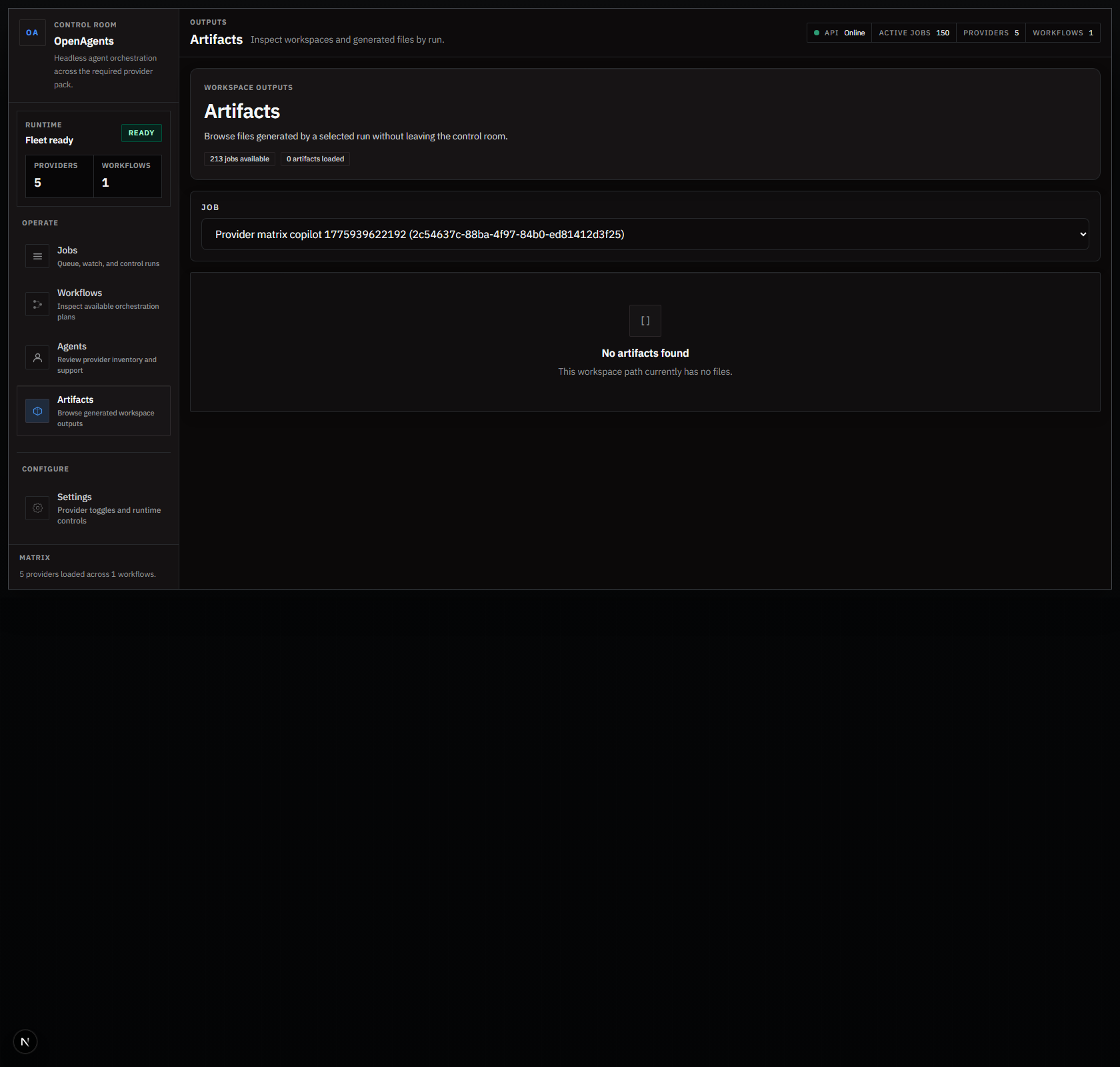
- Artifacts browses workspace outputs for a selected job.
6) Validate end-to-end locally
pnpm format:check
dotnet test apps/orchestrator-api/OpenAgents.OrchestratorApi.csproj -v minimal
pnpm test:coverage:api
pnpm --filter orchestrator-web type-check
pnpm --filter orchestrator-web build
pnpm --filter orchestrator-web e2e
pnpm validate:compose
pnpm docs:build